
Topic
Stream overlay and alert templates
Starting-soon screens, follower, raid and tip alerts, goals and schedules for streamers. Export transparent for OBS scenes and edits.
Starting-soon screens, follower, raid and tip alerts, goal bars, webcam frames and schedules. Export them as transparent WebM to add to an OBS scene as a media source, or use them in highlight edits. They are video clips, not connected to Twitch or YouTube events.
Free and Pro templates below. Open one, make it yours and export an MP4 for social, a transparent MOV or WebM for your editor, or a PNG. Free templates need no card (a free account after 3 exports); Pro templates are marked PRO.
 Live stream – FollowSocial & reviews
 Live stream chat overlayGaming
 Live stream overlayBuilding blocks
 Stream donation alertGaming · transparent
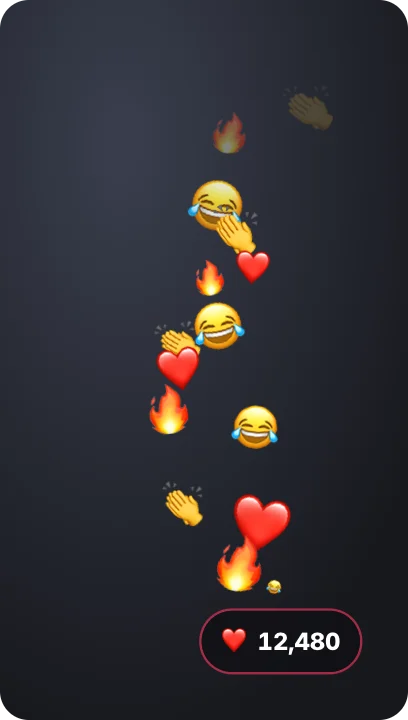 Live reactions streamEmoji & memes · transparent
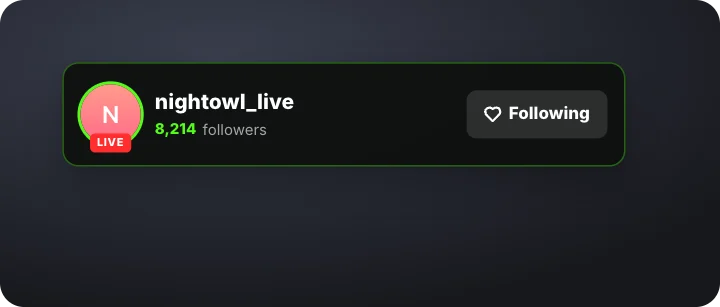 Streamer follow – neon greenSocial & reviews · transparent
 LIVE bugNews & docs · transparent
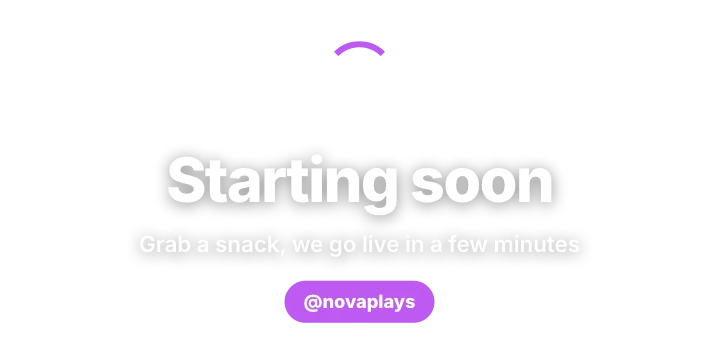 Stream starting soonGaming · transparent
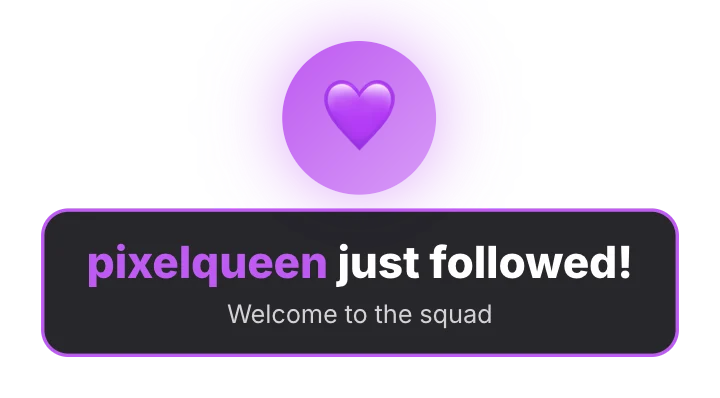 Follower alertGaming · transparent
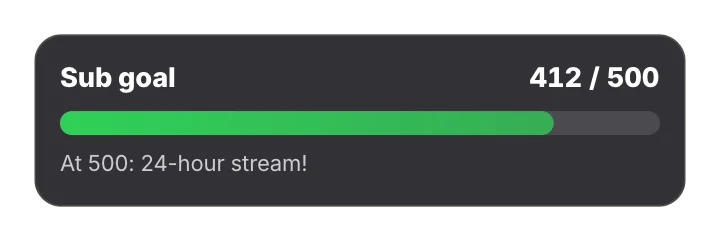 Stream goal barGaming · transparent
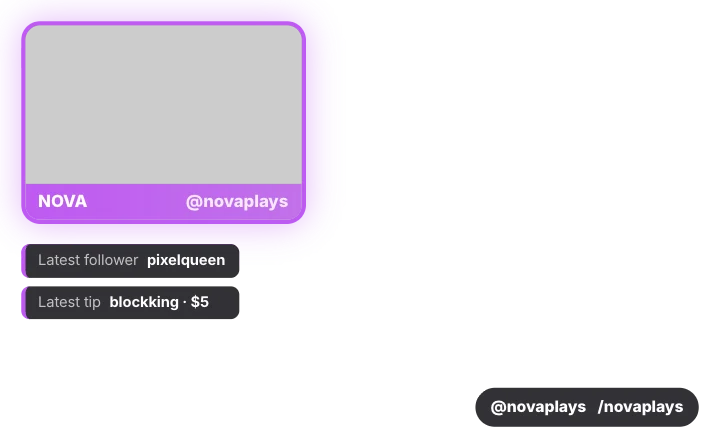 Stream overlayGaming · transparent
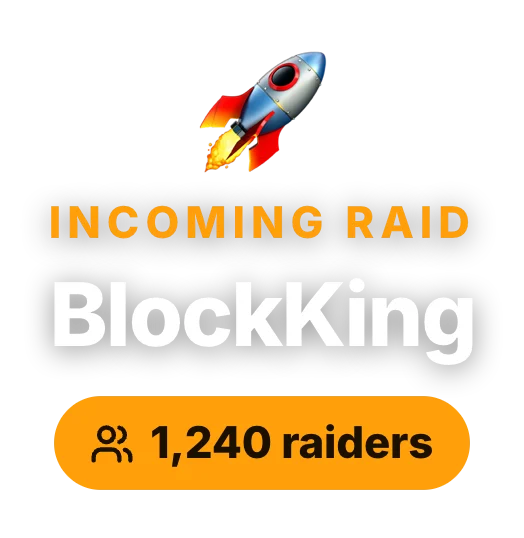 Raid alertGaming · transparent
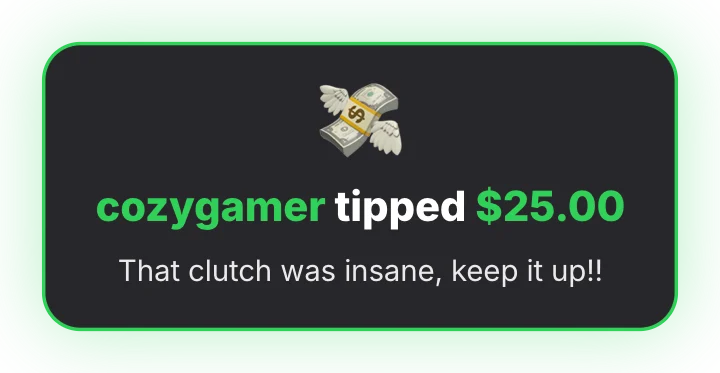 Tip alertGaming · transparent
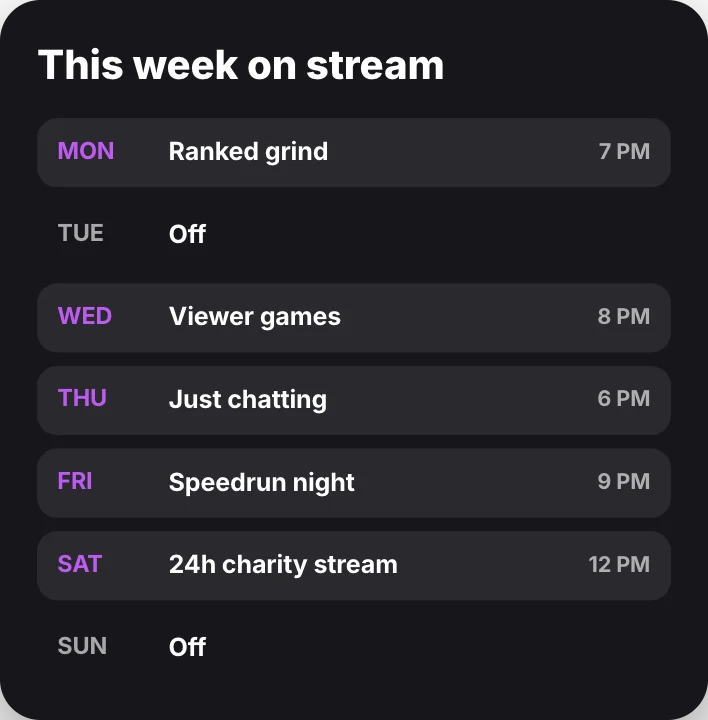 Stream scheduleGaming
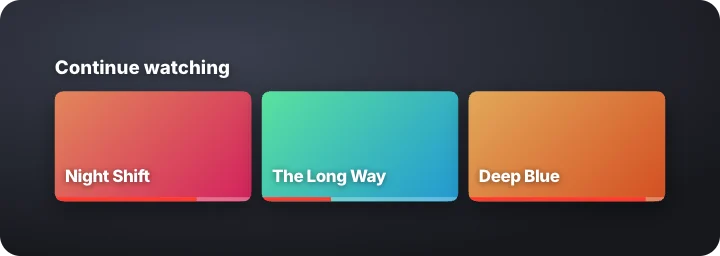 Continue watching rowProducts & apps · transparent
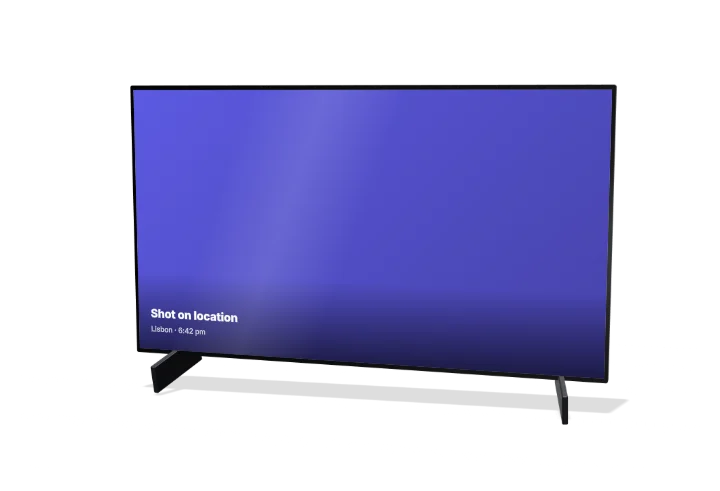 TV screen3D Mockups
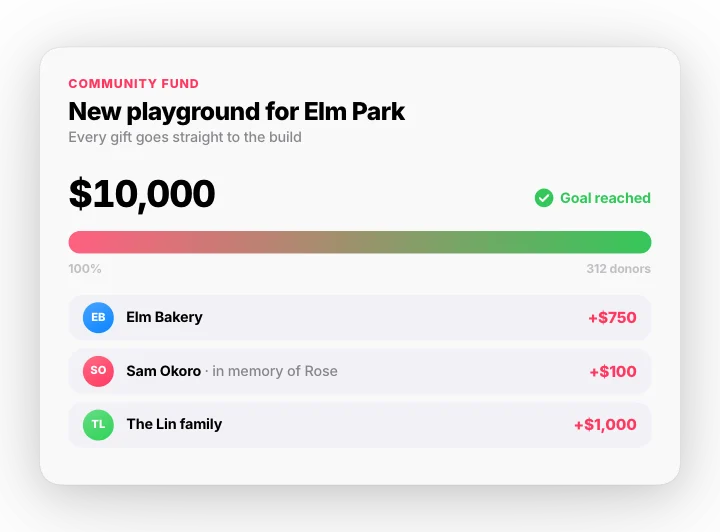 Fundraiser goal – gifts to goalMotion Clips
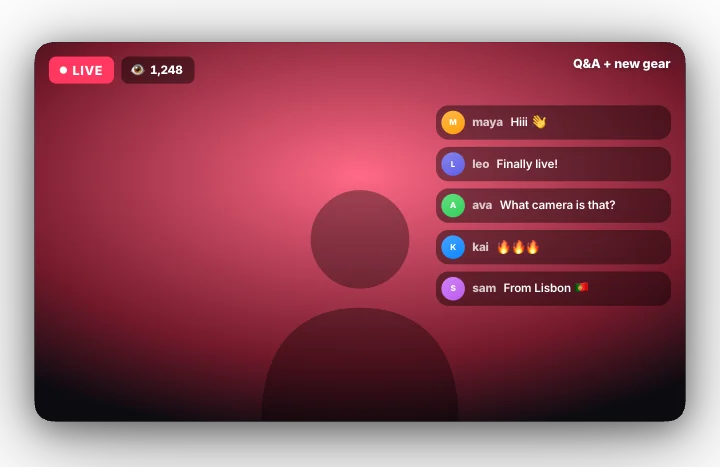 Going live – 3, 2, 1, liveMotion Clips
Guides and tools
How to make a YouTube end screen, subscribe animation and stream alertsCreate animated YouTube end screens, subscriber milestones, chapters, starting-soon screens and follower, raid and tip alerts for streams and videos.How to make game overlay editsAdd advancement toasts, death screens, badge pop-ups and chat bubbles to your gameplay clips. Transparent overlays, free, no card.How to make breaking news graphics, lower thirds and documentary titlesCreate broadcast-style breaking news banners, tickers, lower thirds, quote cards, locator maps and cinematic documentary titles for YouTube and social.Stream alert makerMake animated follower, raid and tip alerts and a starting-soon screen, exported as transparent WebM or MOV for OBS scenes and stream highlights.