
Free and Pro templates
YouTube end screen, intro and subscribe templates
YouTube end screen templates, channel intros and subscribe animations for every upload. The graphics a channel needs in almost every upload: a two-second channel intro, an “in this video” preview, like-subscribe-bell prompts, chapter dividers, a creator lower third, sponsor segment cards, corrections and source citations, zoom callouts, top-10 countdowns, milestone plaques, giveaways, Q&A cards, end screens and Shorts hook banners.
Type your channel name, upload your avatar and pick your colors. Export a transparent MOV to drop into Premiere, Final Cut, Resolve or CapCut, or an MP4 at 16:9 for long videos and 9:16 for Shorts.
All youtube templates
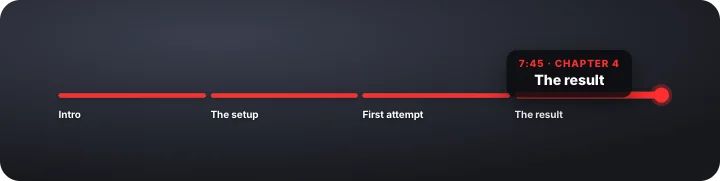 Chapter progress barYouTube
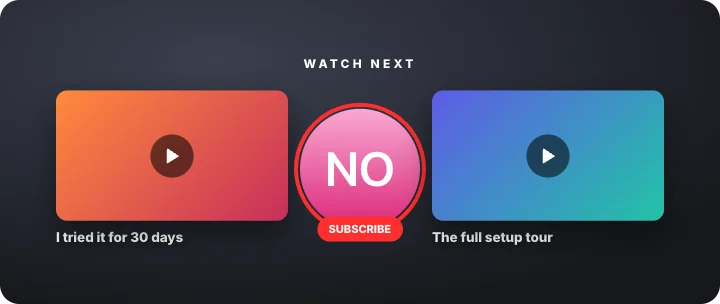 End screen – watch nextYouTube
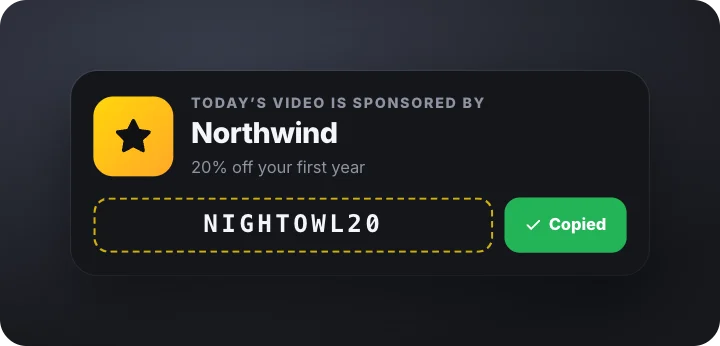 Sponsor segment with codeYouTube
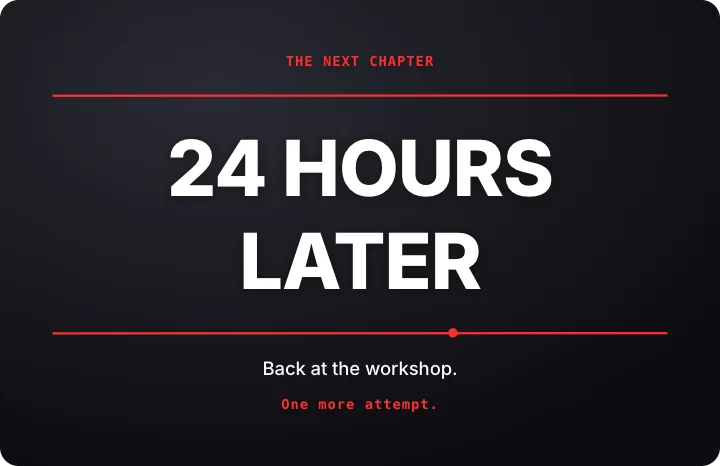 Time jumpYouTube
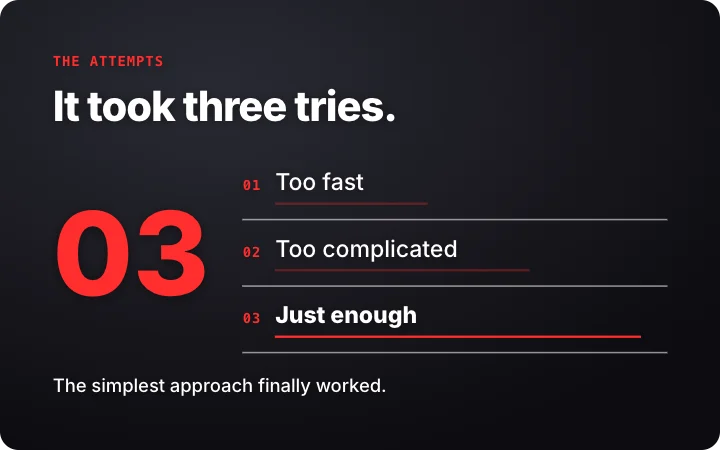 Attempt logYouTube
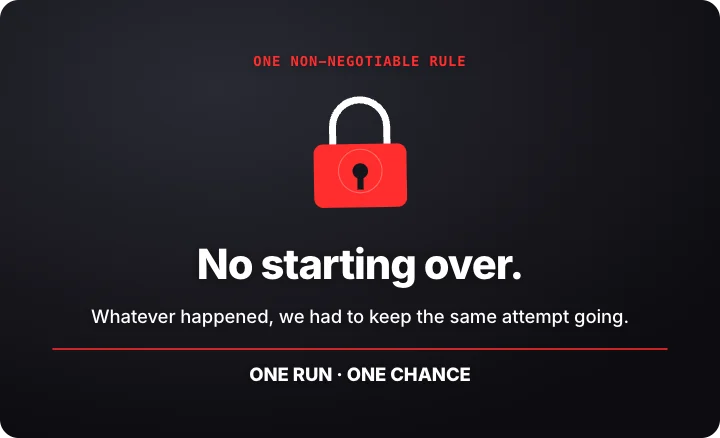 One-rule challengeYouTube
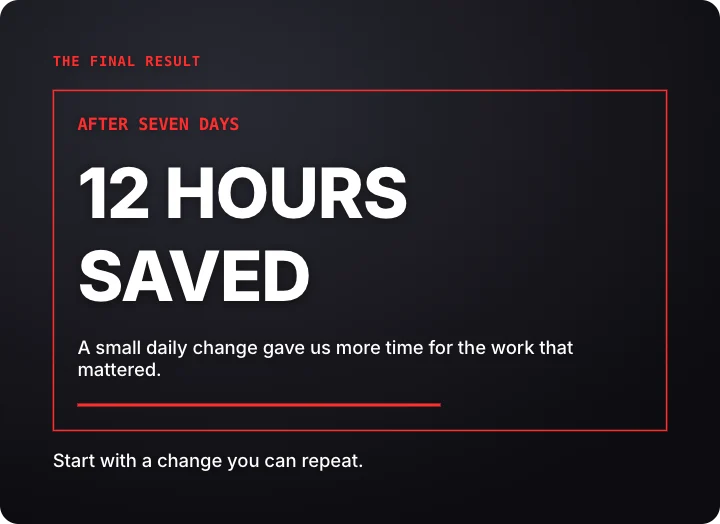 Result unsealYouTube
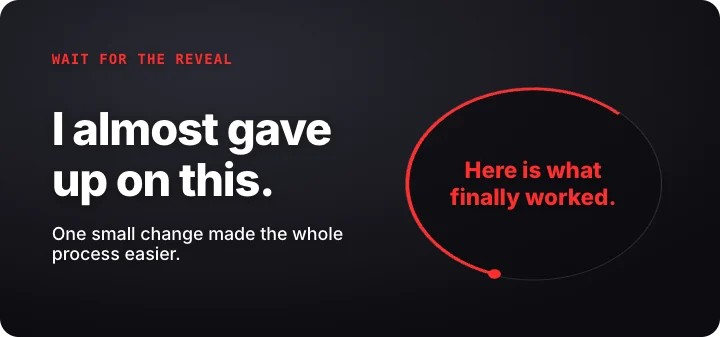 Open-loop story hookYouTube
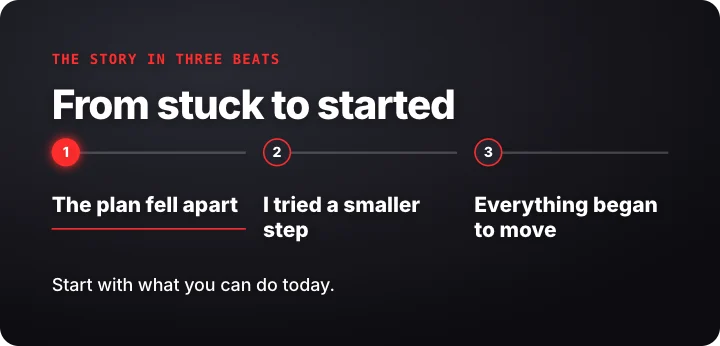 Three-beat storyYouTube
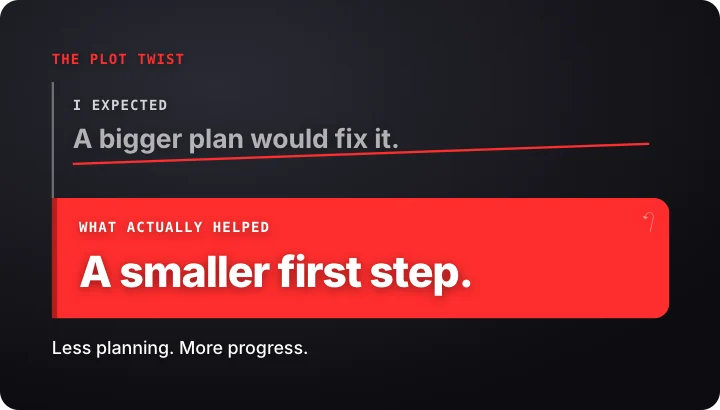 Expectation and twistYouTube
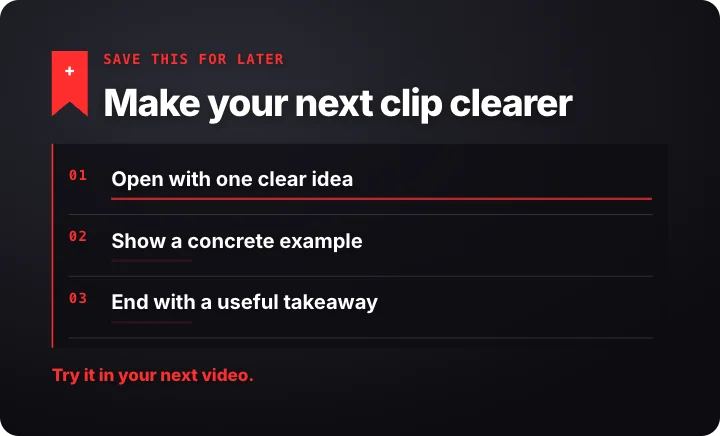 Saveable micro lessonYouTube
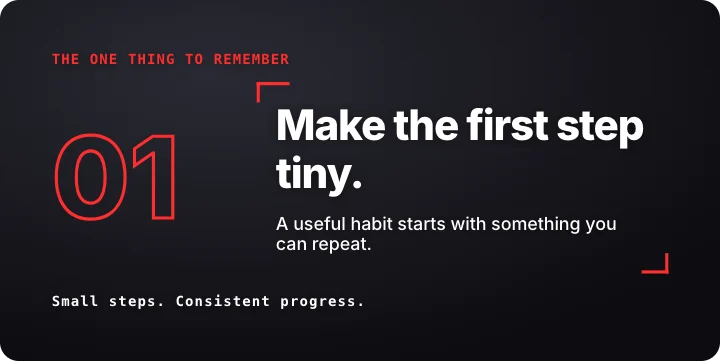 Key takeawayYouTube
 Channel intro stingYouTube
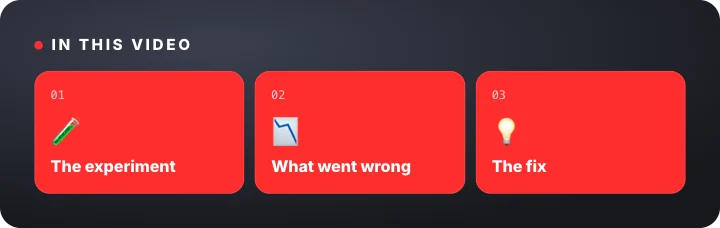 “In this video” previewYouTube
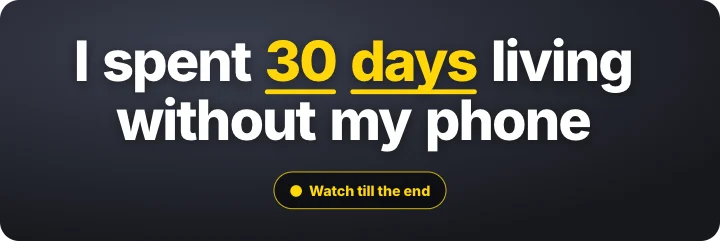 Cold-open hookYouTube
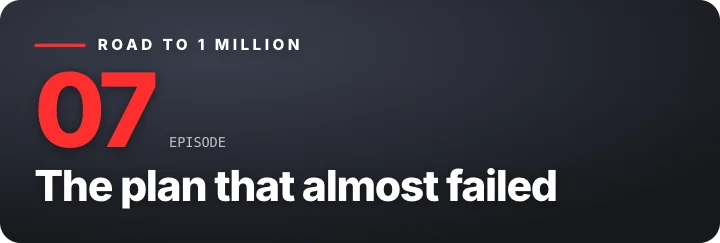 Episode title cardYouTube
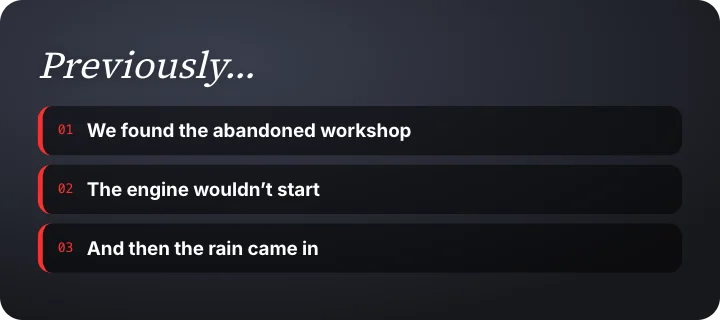 “Previously” recapYouTube
 Like, subscribe and bellYouTube
 Subscribe reminderYouTube
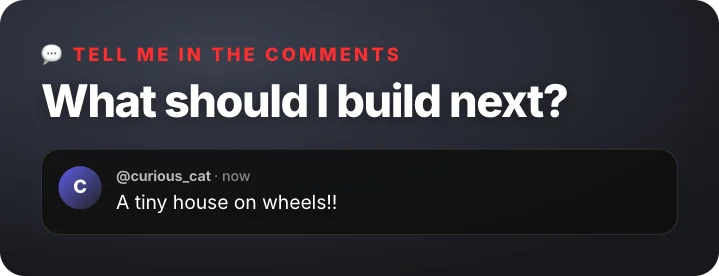 Comment promptYouTube
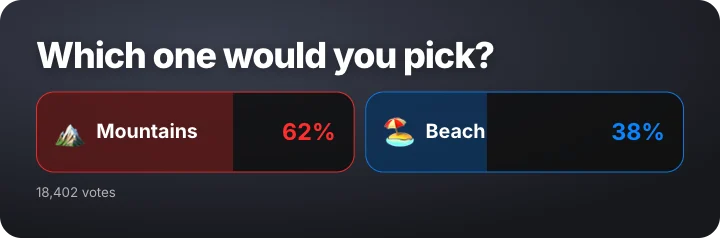 A or B pollYouTube
 Watch till the endYouTube
 Share promptYouTube
 Chapter dividerYouTube
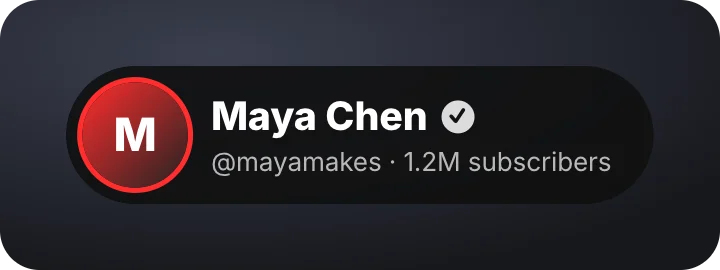 Creator lower thirdYouTube
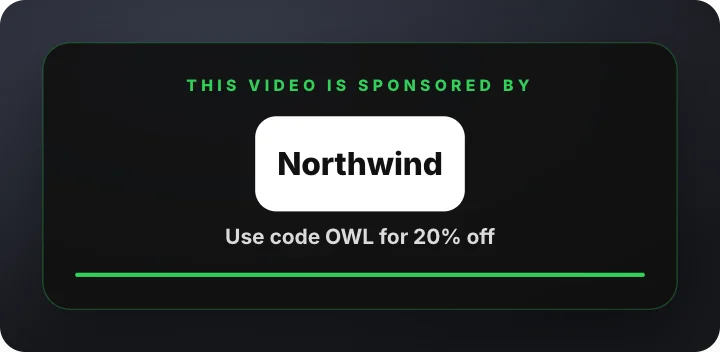 Sponsor segmentYouTube
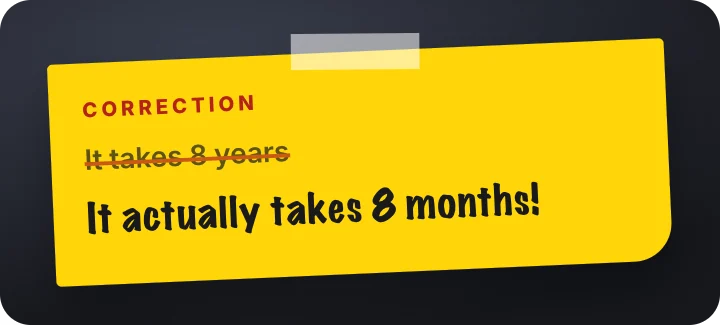 Correction noteYouTube
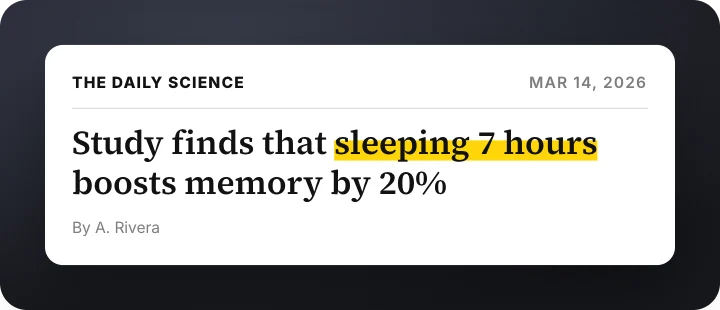 Source citationYouTube
 Zoom calloutYouTube
 Top-N countdownYouTube
 Skip to timestampYouTube
 Subscriber milestoneYouTube
 Comment shout-outYouTube
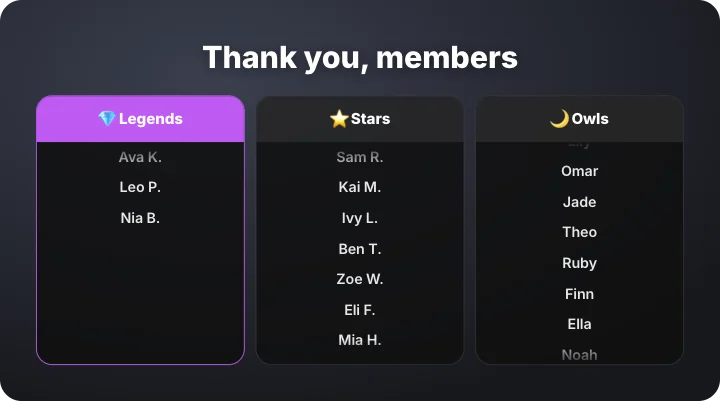 Members wallYouTube
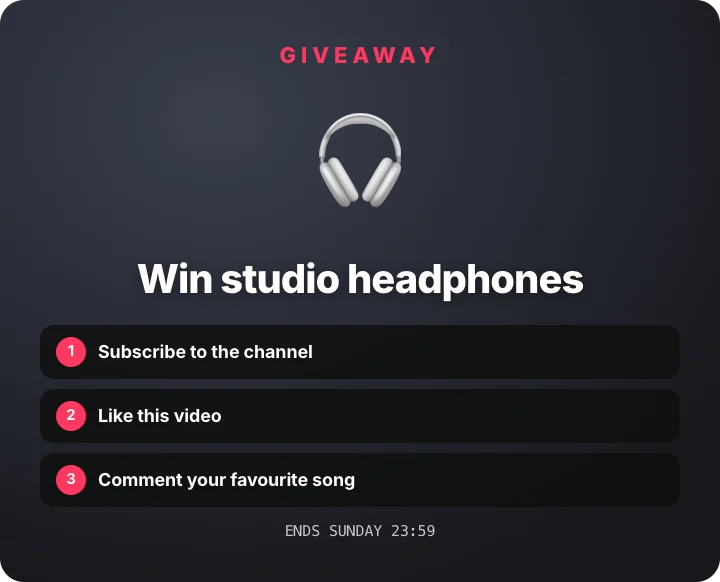 GiveawayYouTube
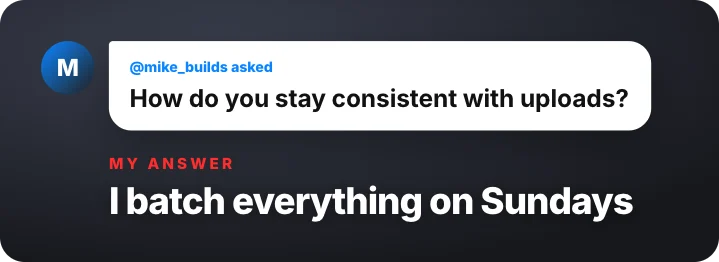 Q&A questionYouTube
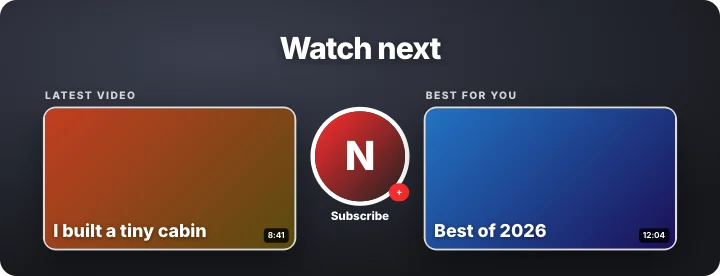 End screenYouTube
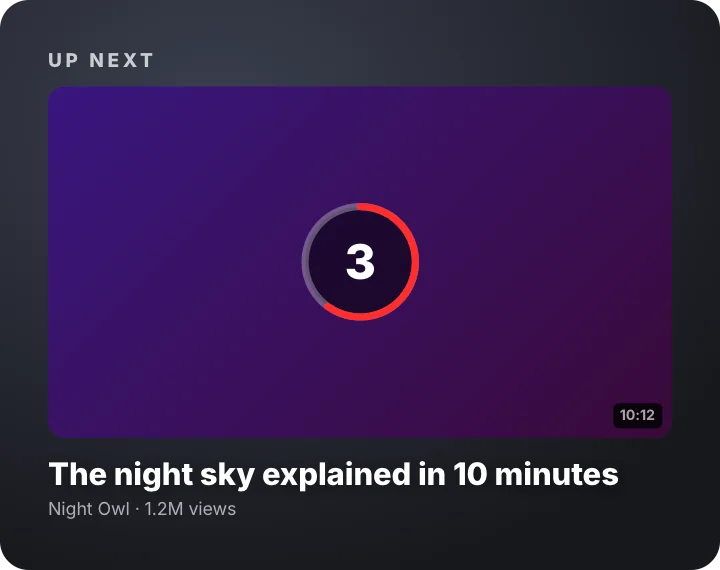 Up next countdownYouTube
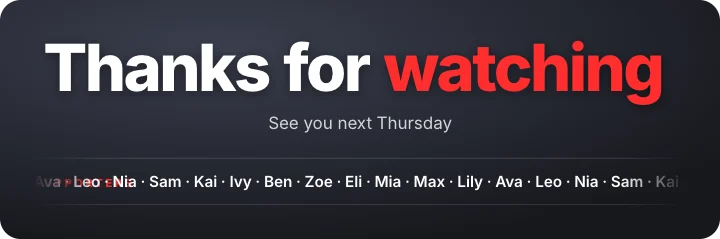 Thanks for watchingYouTube
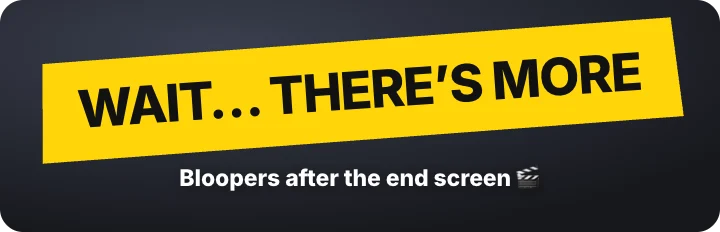 Bonus clip tagYouTube
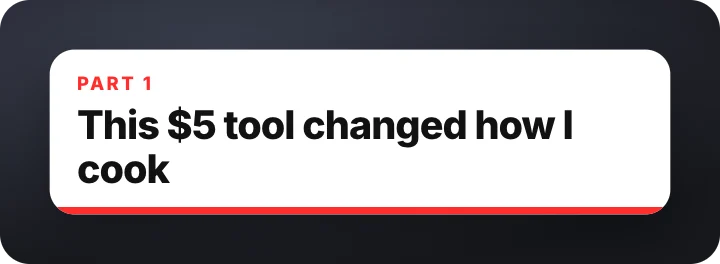 Shorts hook bannerYouTube
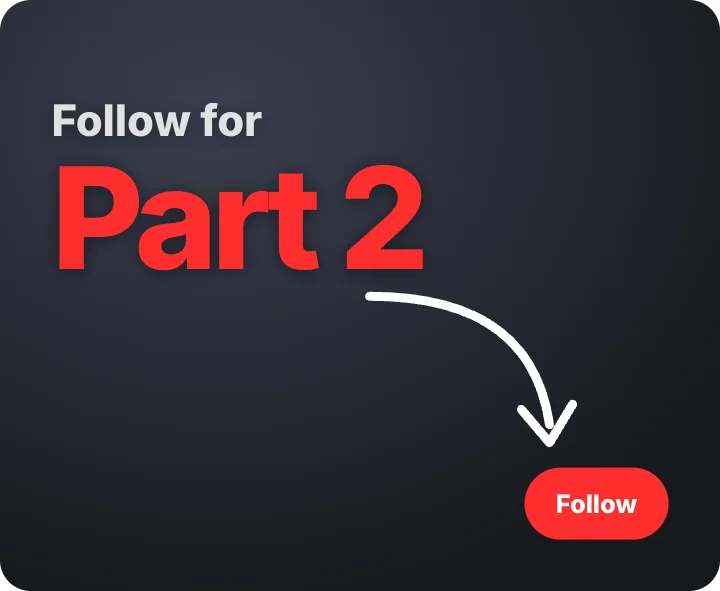 Part 2 promptYouTube
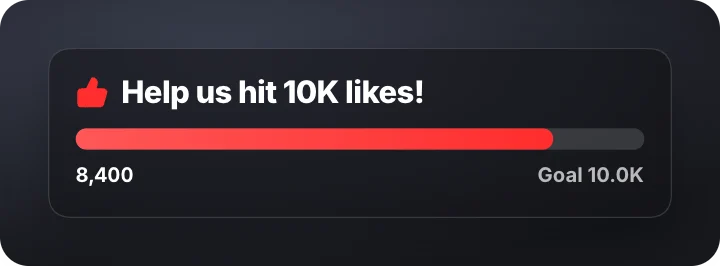 Like goal barYouTube
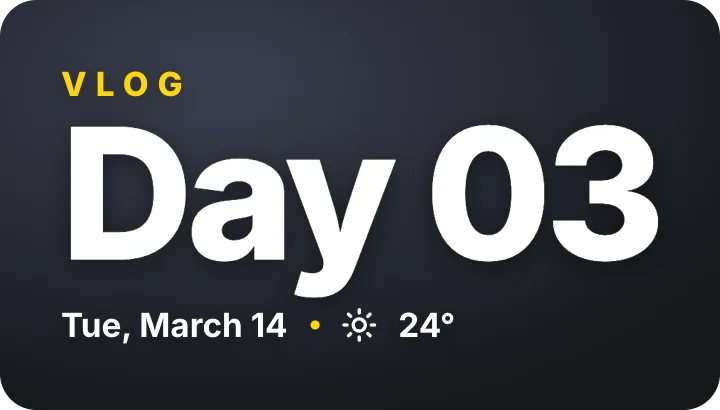 Vlog day titleYouTube
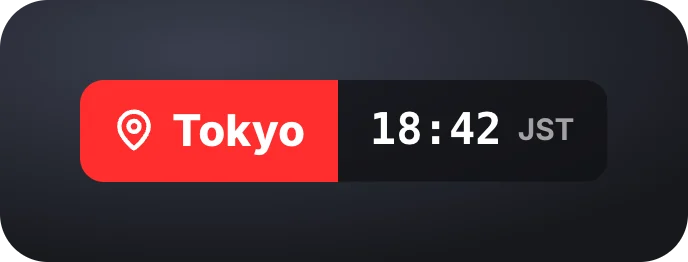 Vlog place and local timeYouTube · transparent
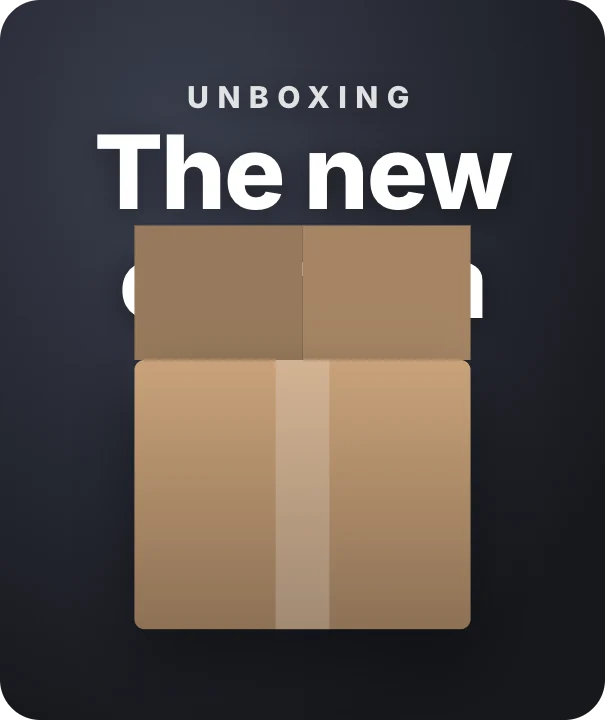 Unboxing titleYouTube
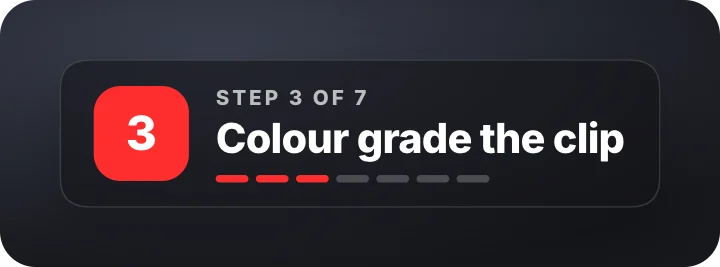 Tutorial step counterYouTube
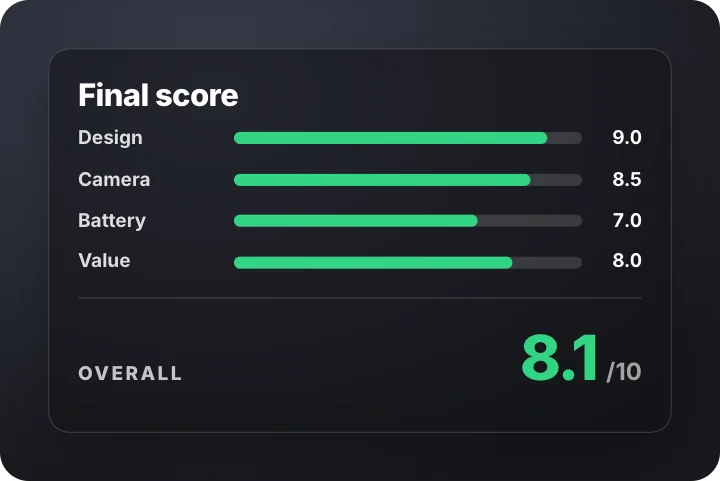 Review score breakdownYouTube
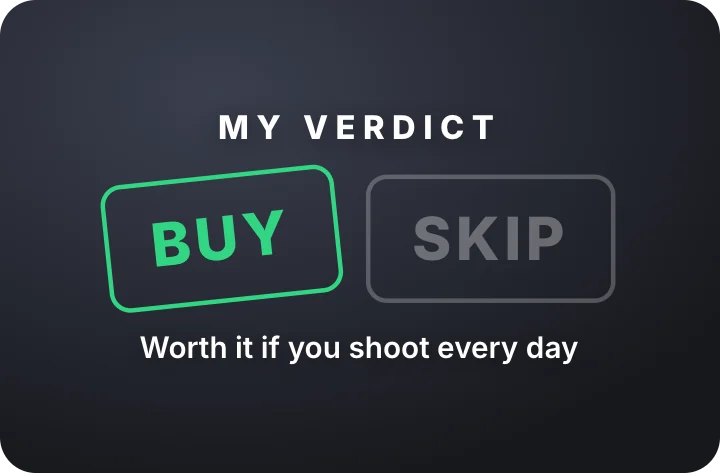 Buy or skip verdictYouTube
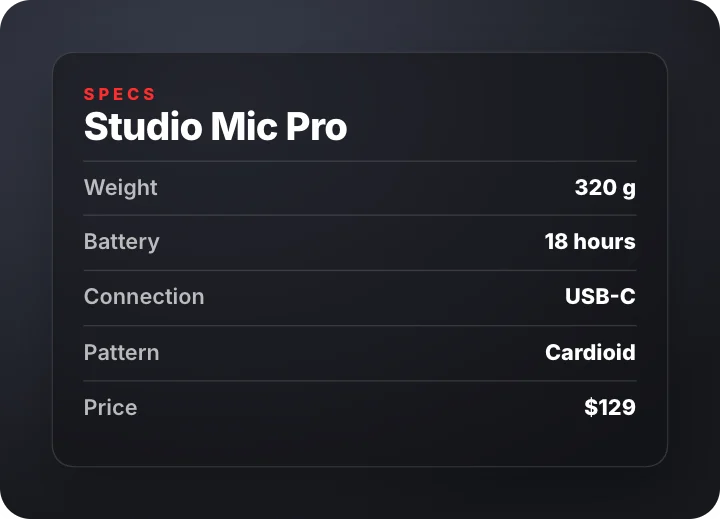 Spec sheetYouTube
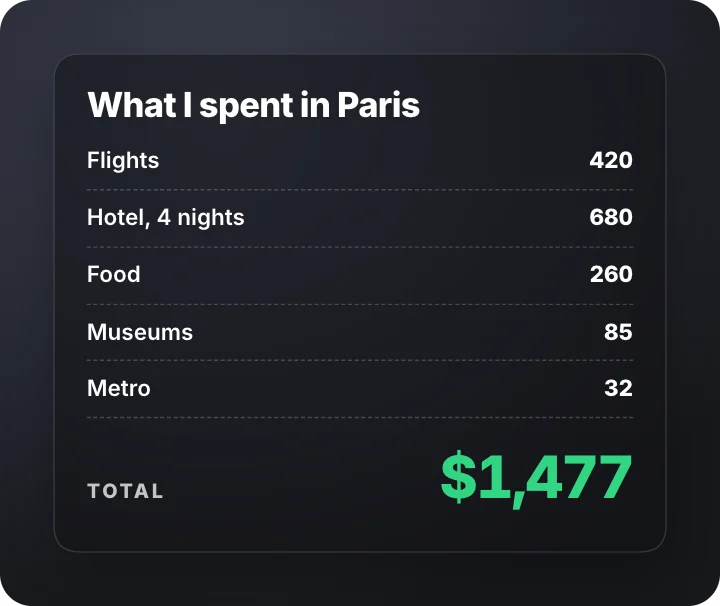 What I spentYouTube
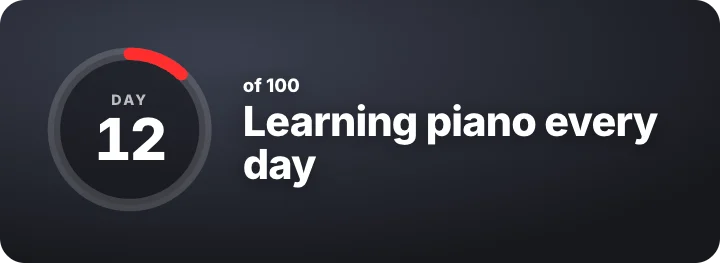 Challenge day counterYouTube
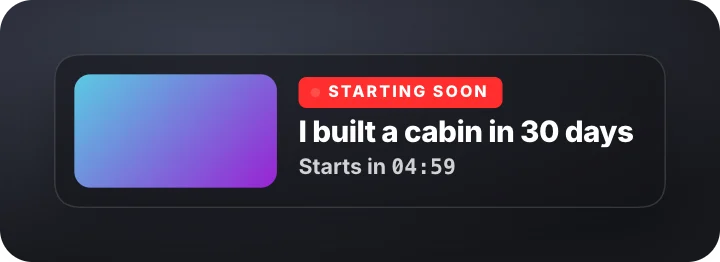 New video countdown cardYouTube
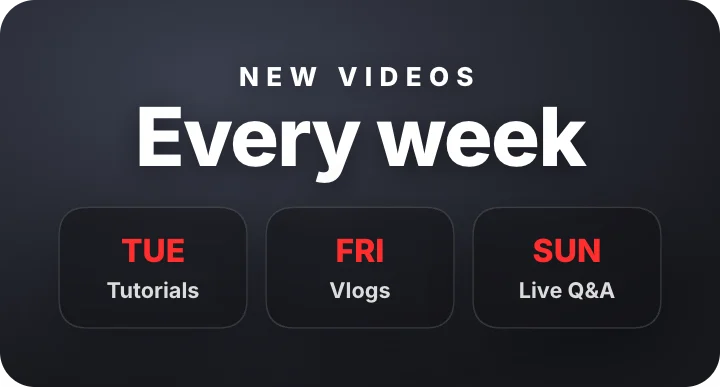 Upload scheduleYouTube
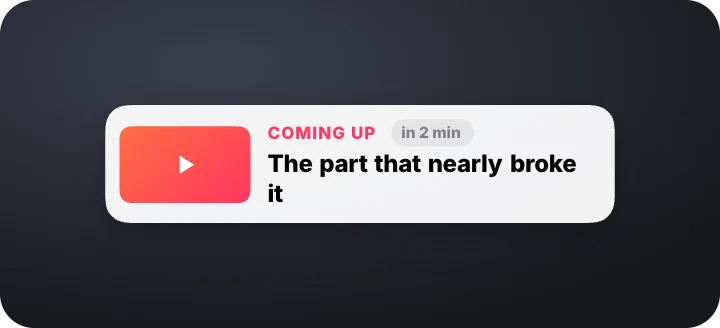 Coming up corner cardYouTube · transparent
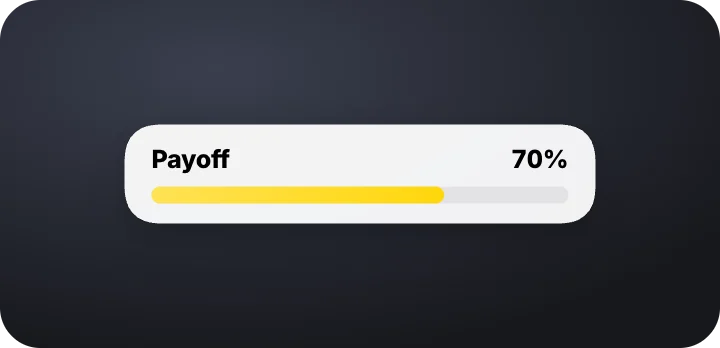 Payoff meterYouTube · transparent
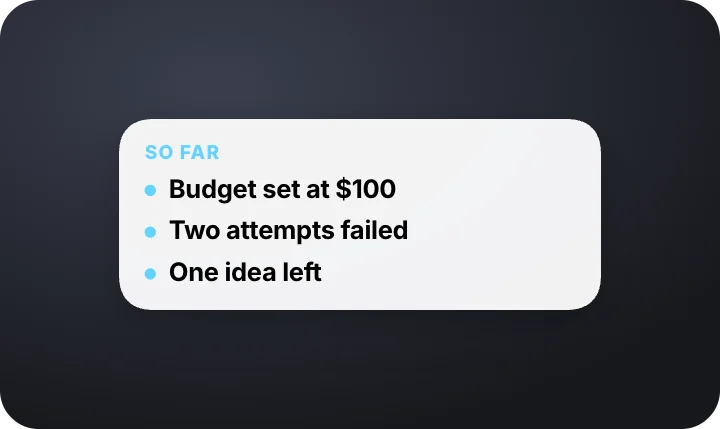 Two-second recapYouTube · transparent
 Bonus at the end chipYouTube · transparent
 Pause to readYouTube · transparent
 Did you spot it?YouTube · transparent
 Pattern interrupt flashYouTube · transparent
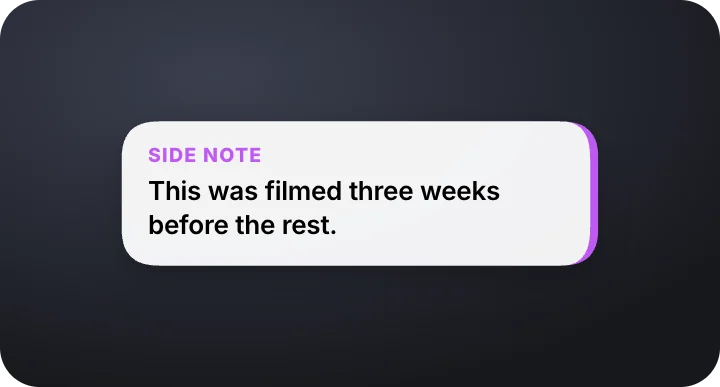 Side note drawerYouTube · transparent
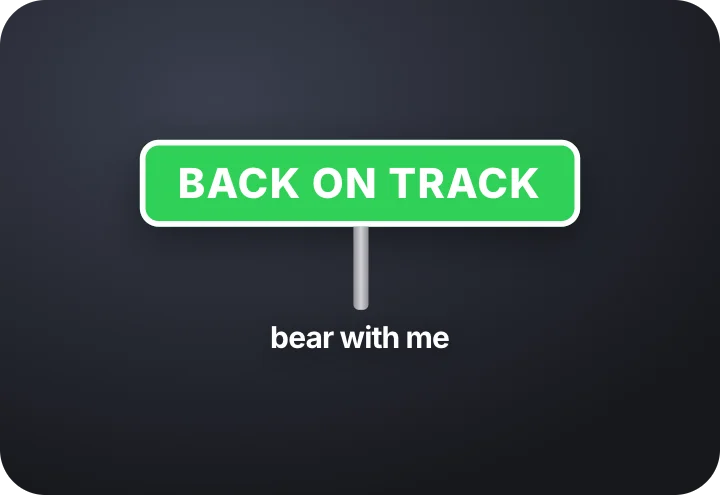 Detour signYouTube · transparent
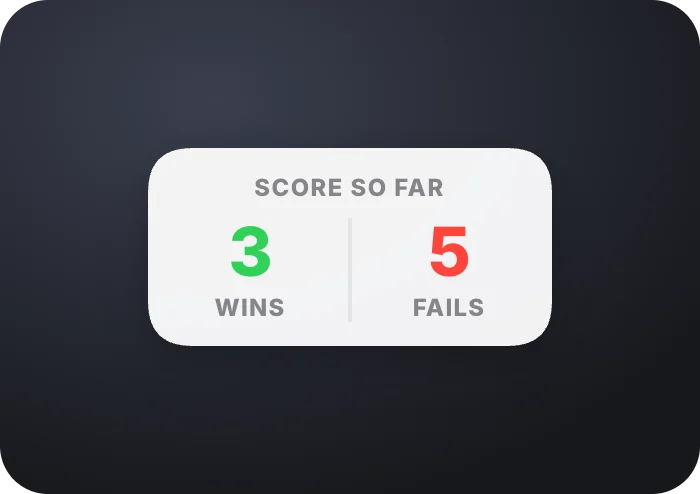 Score so far stripYouTube · transparent
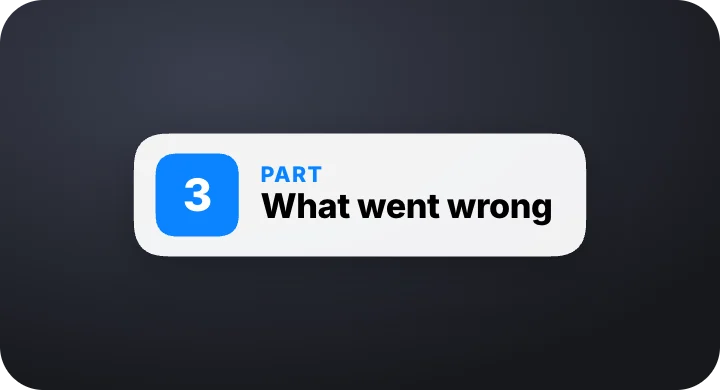 Section handoffYouTube · transparent
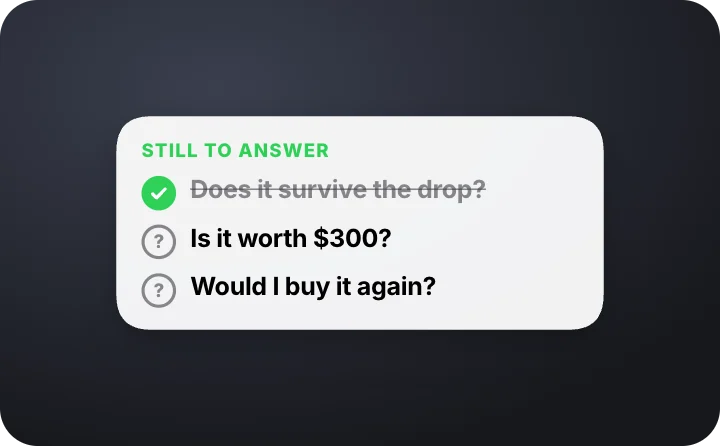 Open questions listYouTube · transparent
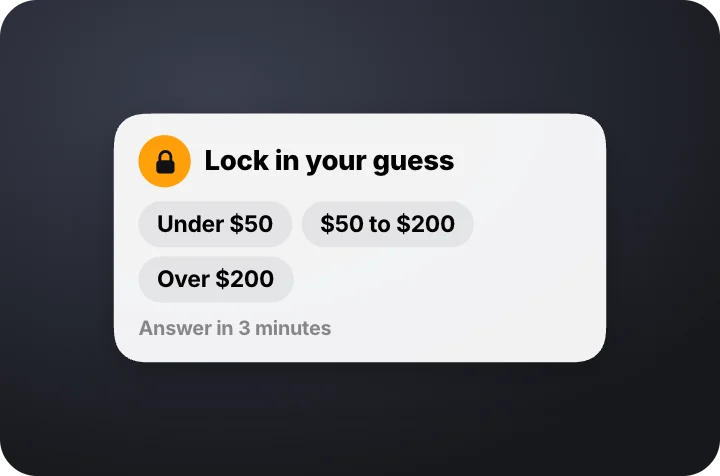 Lock in your guessYouTube · transparent
 Clue counterYouTube · transparent
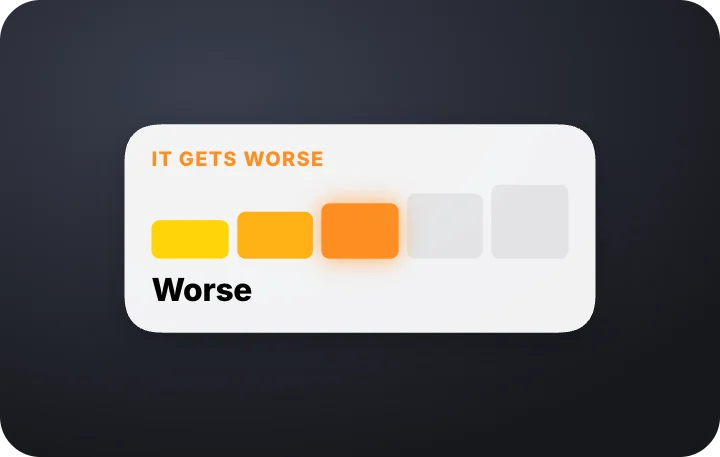 It gets worse meterYouTube · transparent
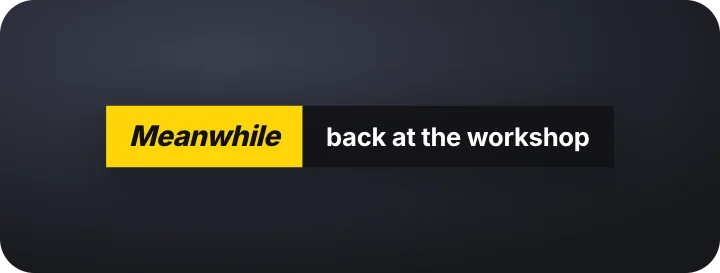 Meanwhile labelYouTube · transparent
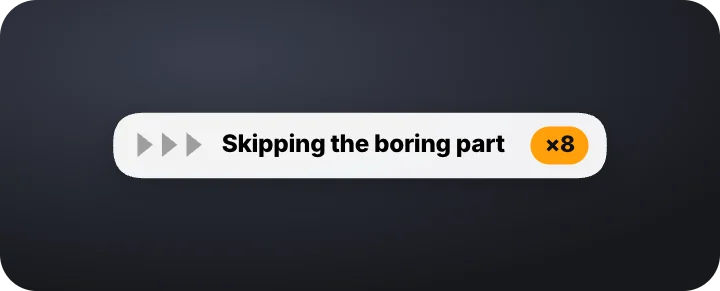 Skipping aheadYouTube · transparent
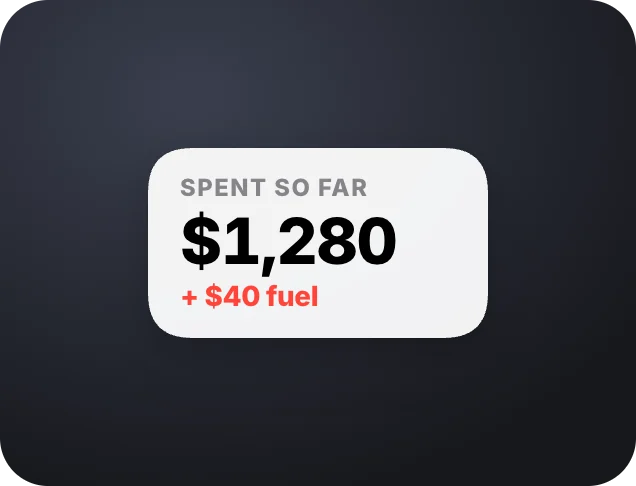 Cost so far tickerYouTube · transparent
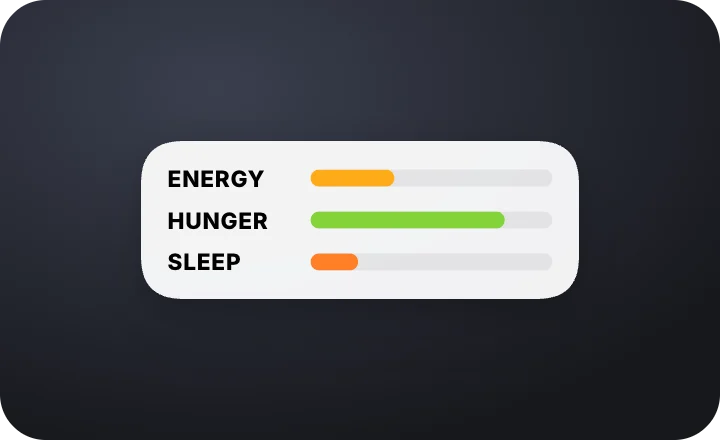 Host status barsYouTube · transparent
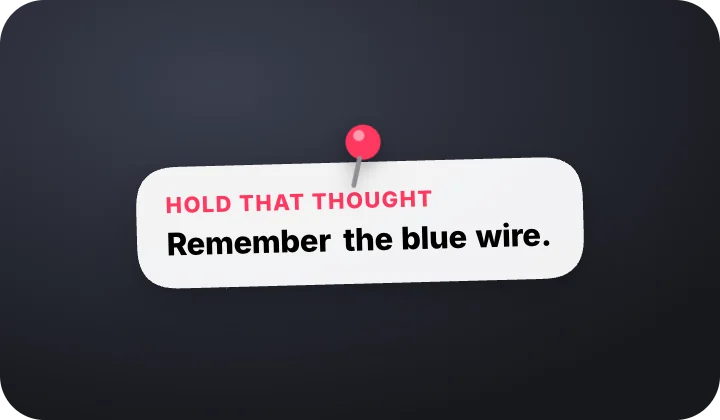 Hold that thought pinYouTube · transparent
How to make a YouTube end screen or intro
- Pick a graphic. An end screen, a channel intro, a subscribe prompt, a chapter divider or a Shorts hook.
- Add your channel. Channel name, photo, colors and the videos to watch next.
- Export it. MP4, or a transparent MOV to put over the last seconds of your video.
Questions
Is this YouTube end screen maker free?
Yes. This section has free templates to use and export, with no card and no watermark. After 3 exports we ask for your email for a free account. Everything is made in your browser, on your own device.
Do these use the YouTube logo?
No. They use familiar video-site layouts with your own channel name, avatar and colors, so you can use them on any platform.
Do they work for Shorts?
Yes. Every design lays itself out for the frame you pick, so the same template works at 16:9 and 9:16.