
Free and Pro templates
Free motion graphics templates
Motion graphics templates you edit in your browser, with no After Effects. A hundred templates that look like a motion designer made them. Kinetic type that hits one phrase per beat, interface moments like a button that morphs into a loader and a toast, whiteboard and graph explainers, phone and website launch films, logo reveals, festival posters, film slates, and small looping scenes like a train window or a lighthouse at night.
Type your words and pick your colors. Export a transparent MOV to lay over your footage in Premiere, Final Cut, Resolve or CapCut, or an MP4 ready to post.
All studio templates
 Logo reveal – ring burstStudio
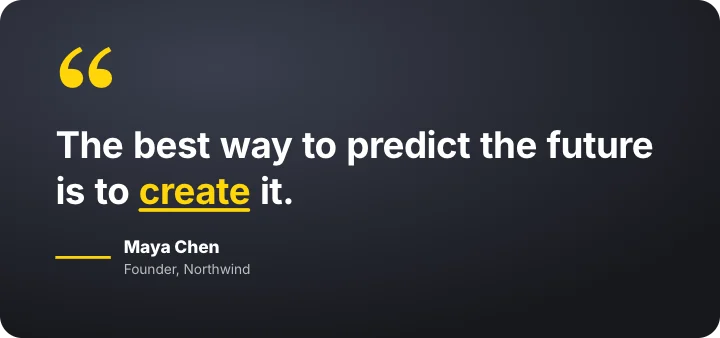 Cinematic quoteStudio
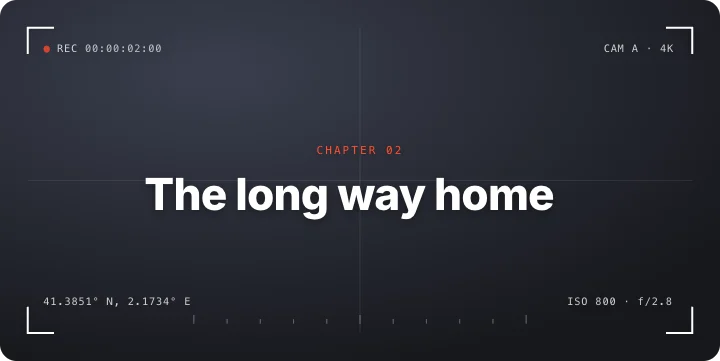 Technical title frameStudio
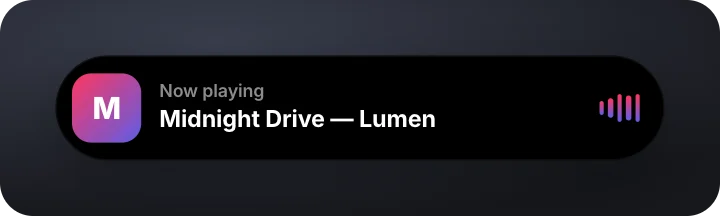
 Kinetic typographyStudio
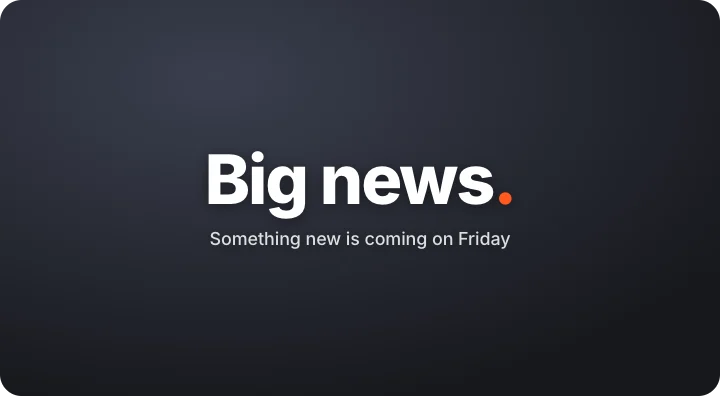 Starburst revealStudio
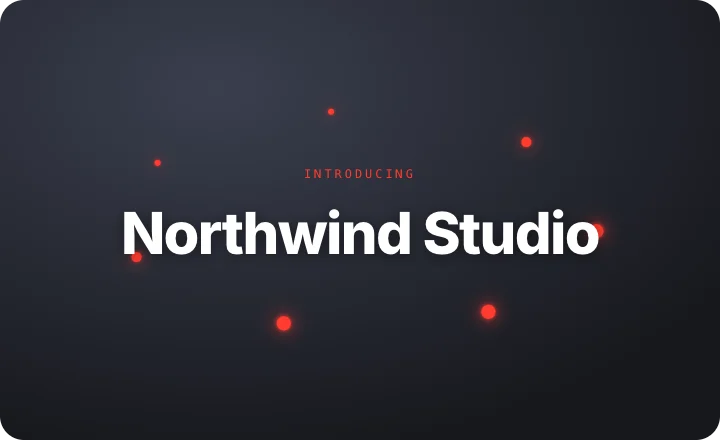 Orbit revealStudio
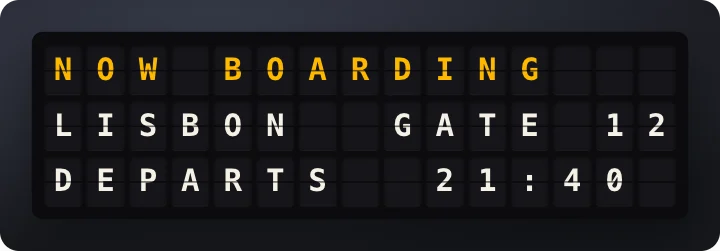 Split-flap boardStudio
 Rotating wordStudio
 Zoom-through wordsStudio
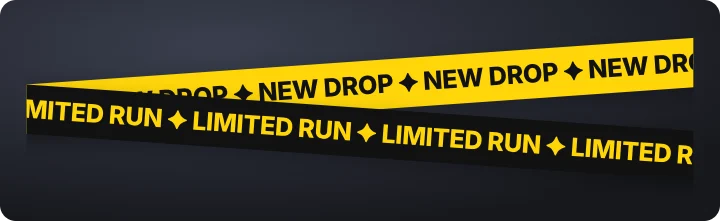 Marquee bandsStudio
 Synced lyricsStudio
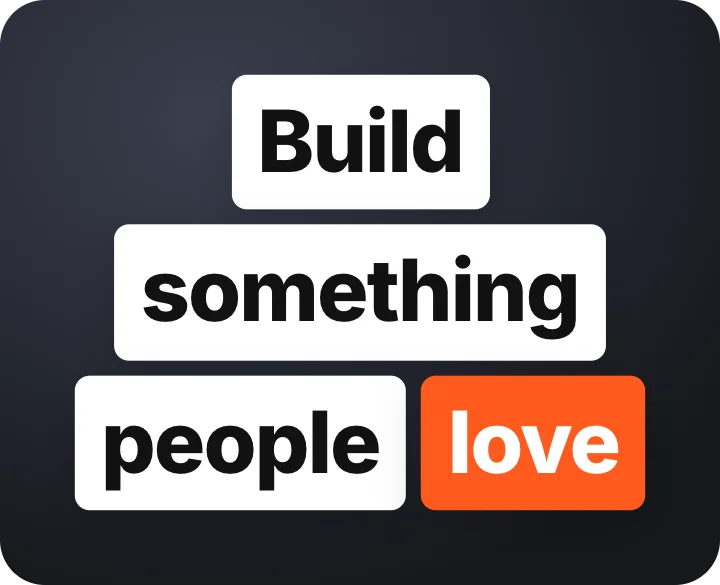 Word blocks stackStudio
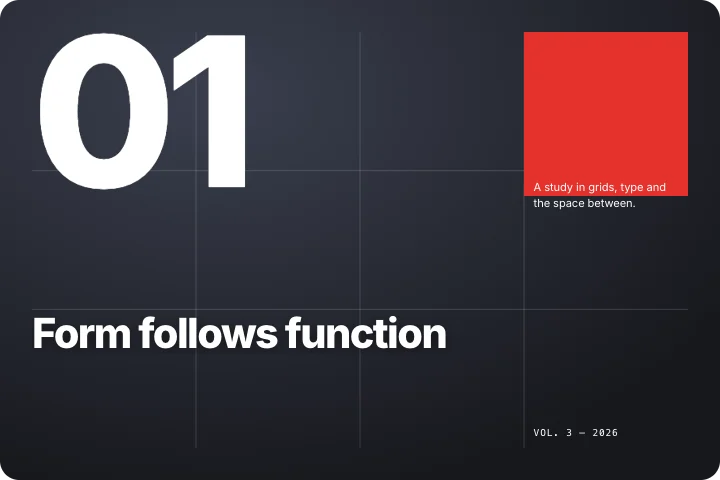 Swiss posterStudio
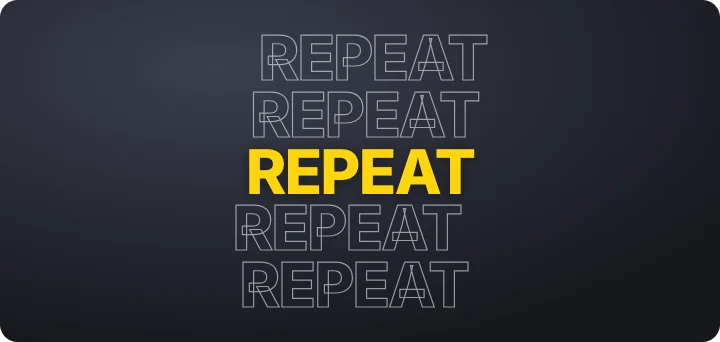 Outline word stackStudio
 Letter cascadeStudio
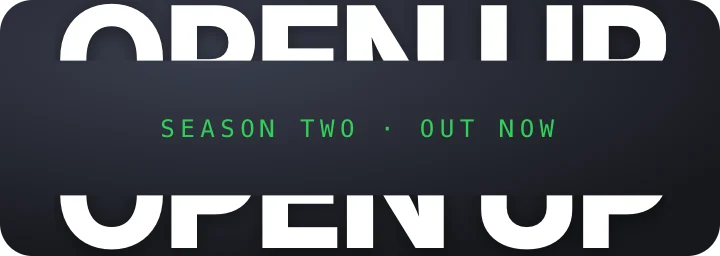 Split slice titleStudio
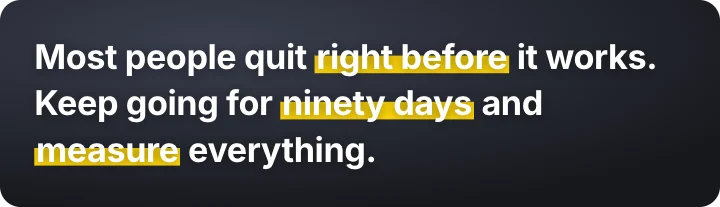 Highlighter sweepStudio
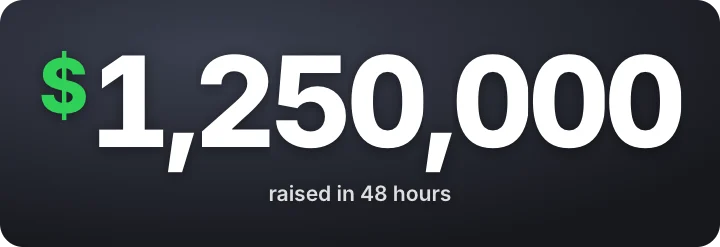 Odometer numberStudio
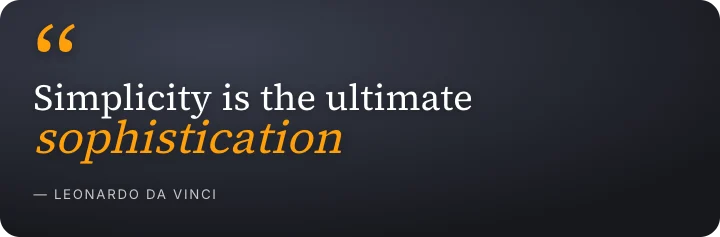 Kinetic quoteStudio
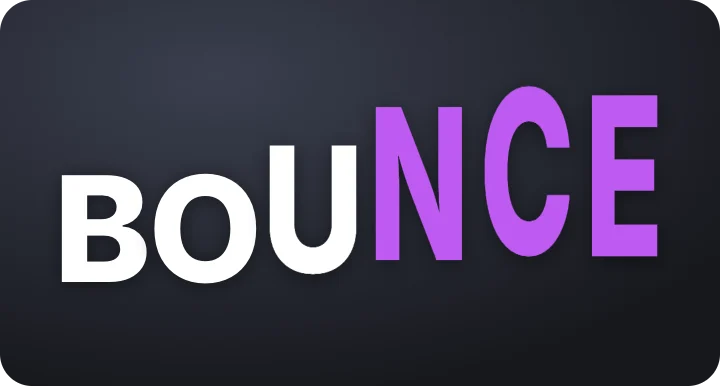 Stretch typeStudio
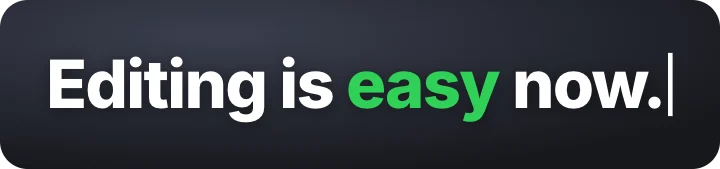 Typed correctionStudio
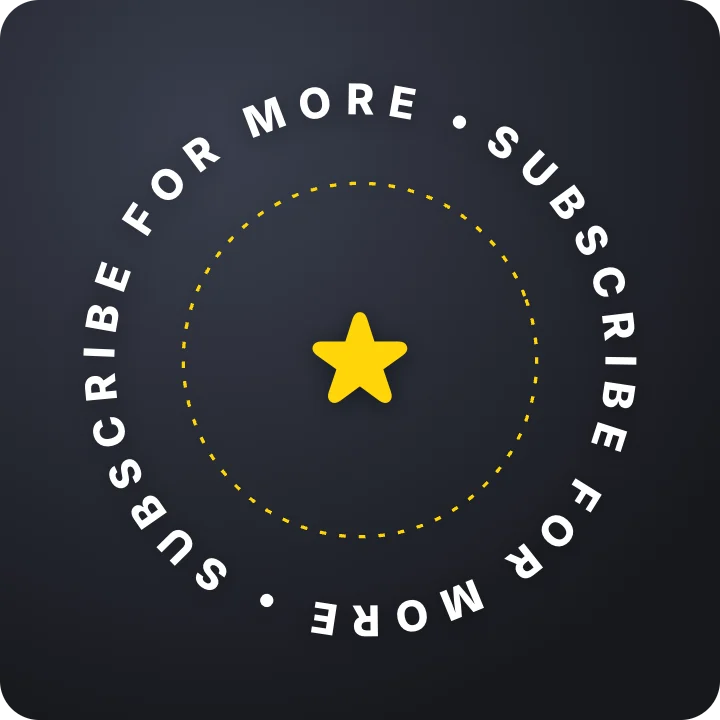 Spinning text ringStudio
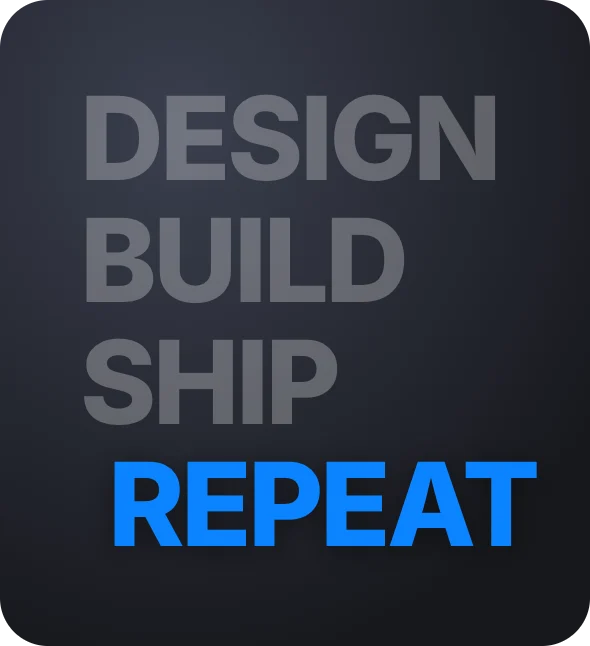 Word list highlightStudio
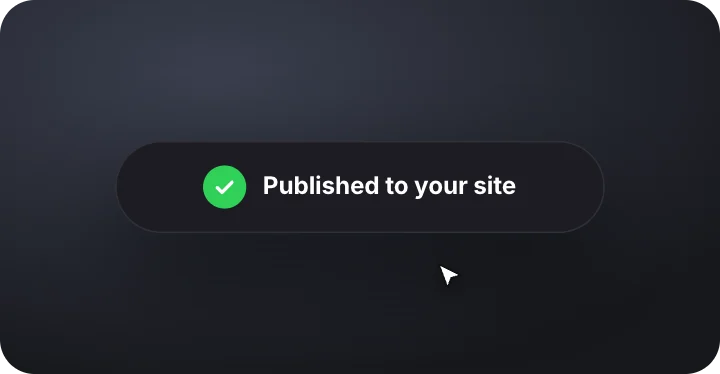 Morphing buttonStudio
 Badge unlockStudio
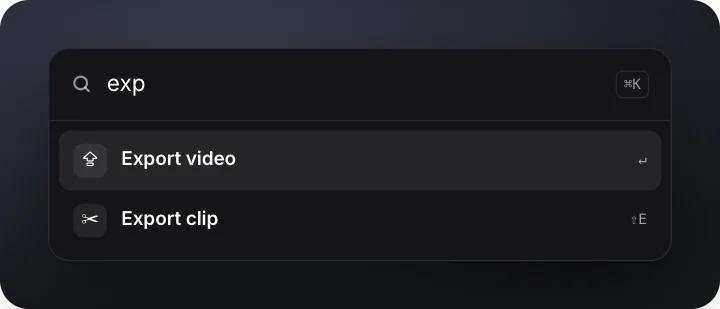 Command paletteStudio
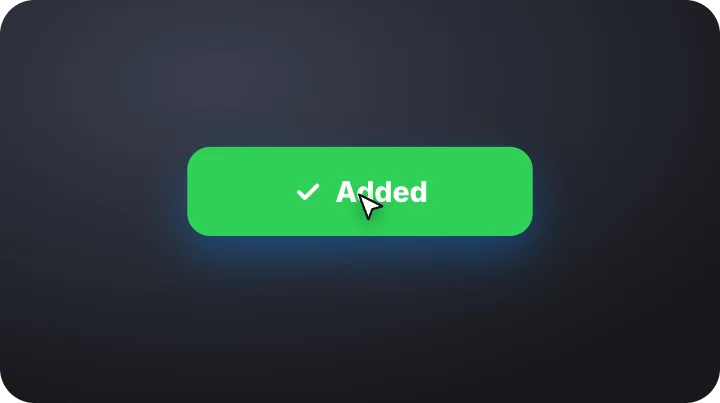 Cursor clickStudio
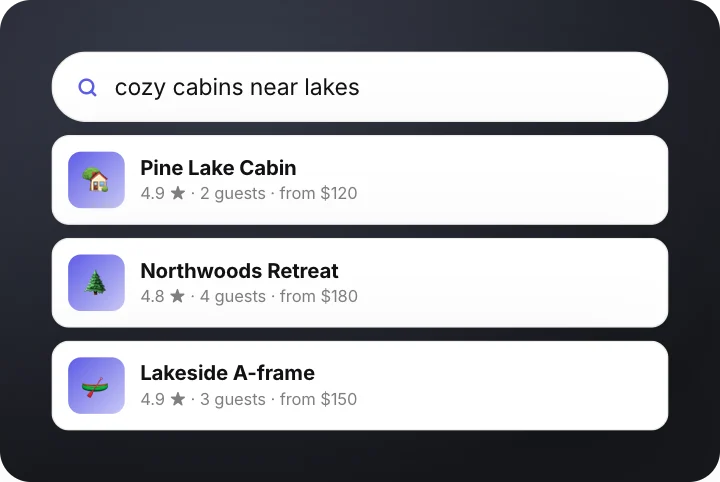 Search with resultsStudio
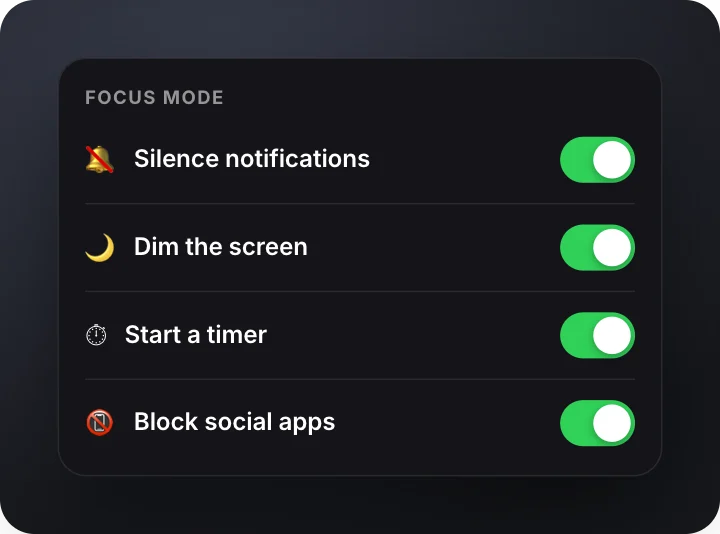 Settings togglesStudio
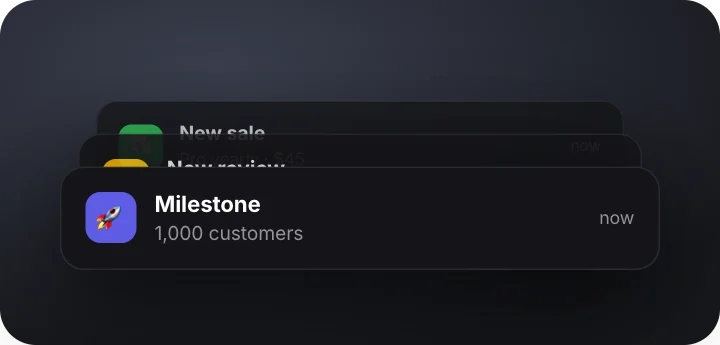 Notification stackStudio
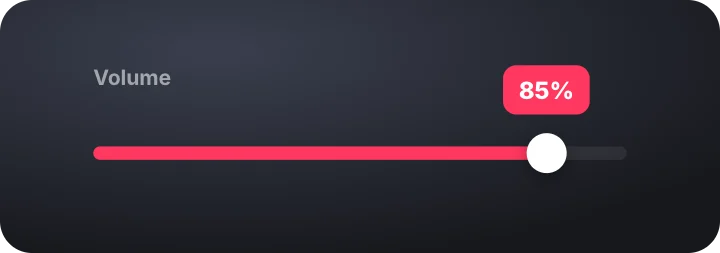 Slider dragStudio
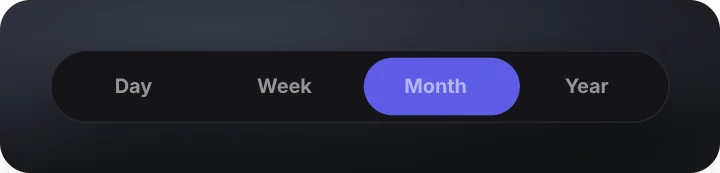 Sliding tabsStudio
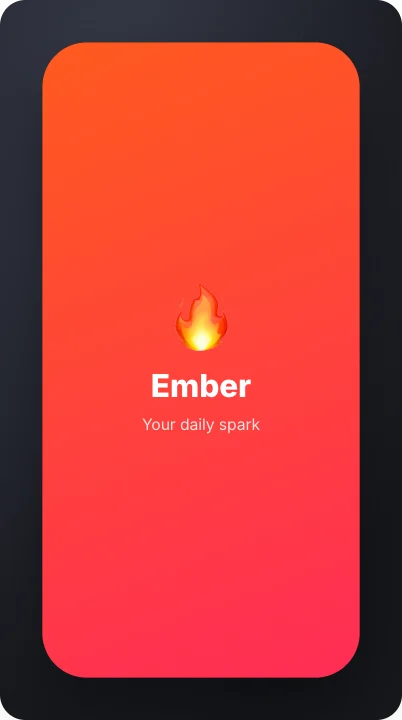 App launchStudio
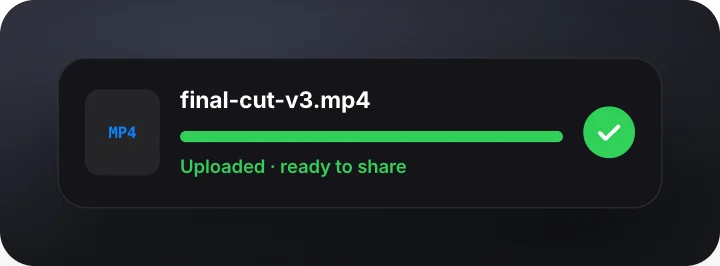 Upload progressStudio
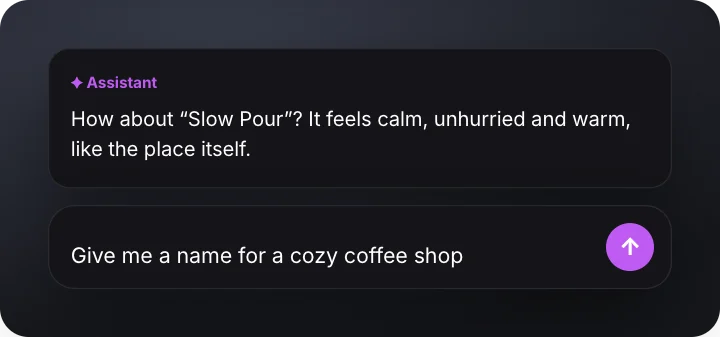 AI prompt boxStudio
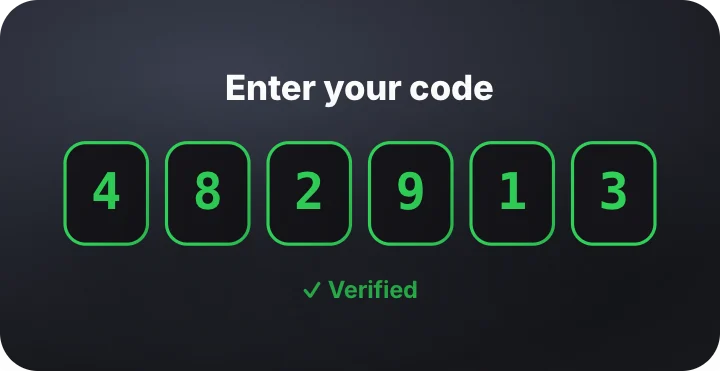 Verification codeStudio
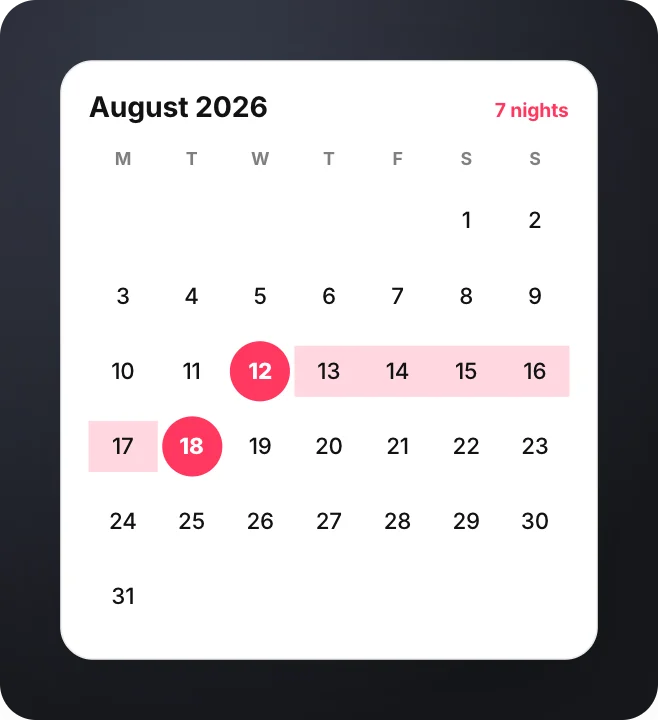 Date range pickerStudio
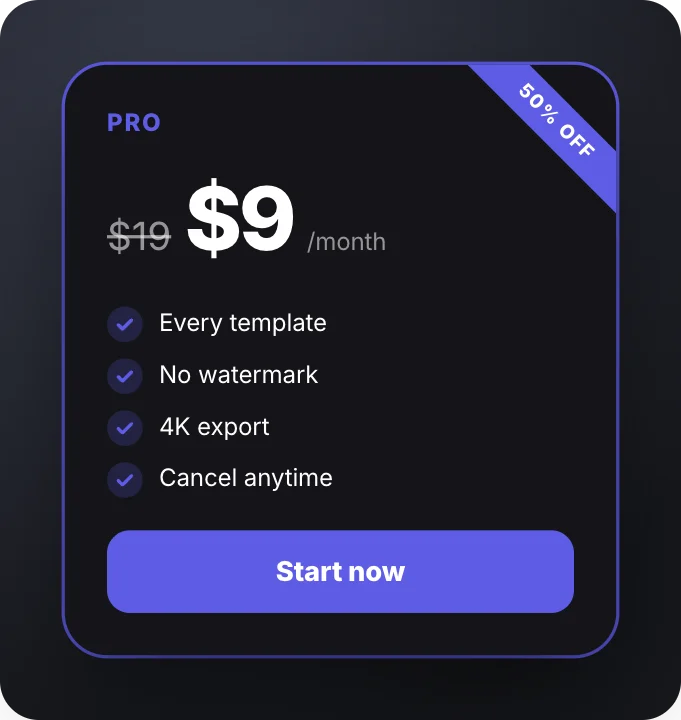 Plan cardStudio
 Particle sphereStudio
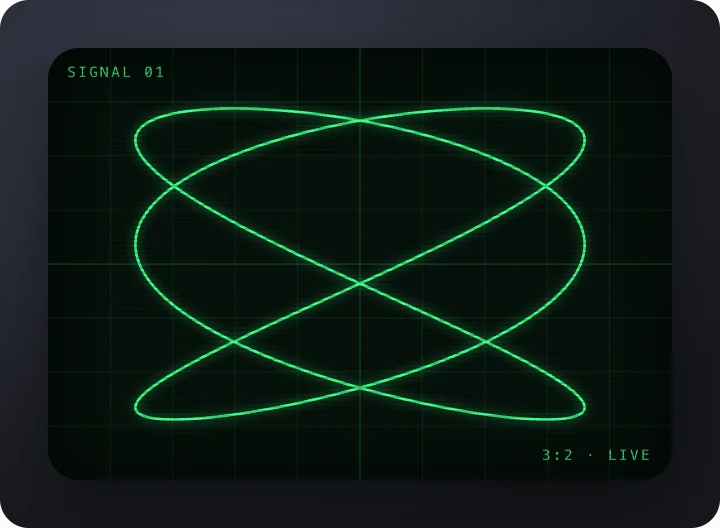 Oscilloscope traceStudio
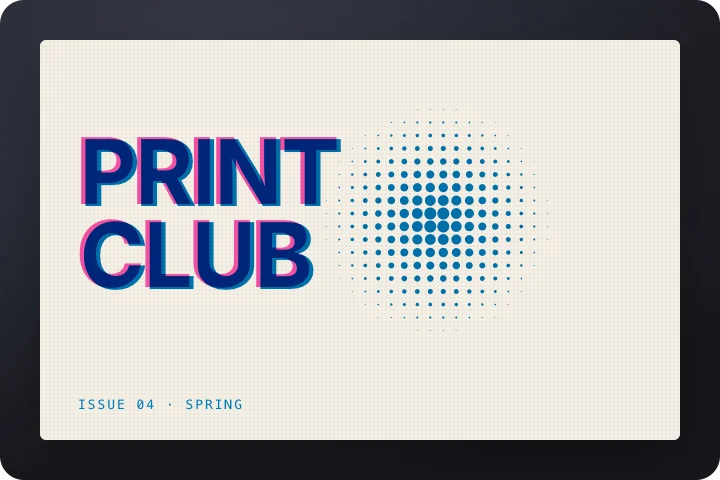 Riso print titleStudio
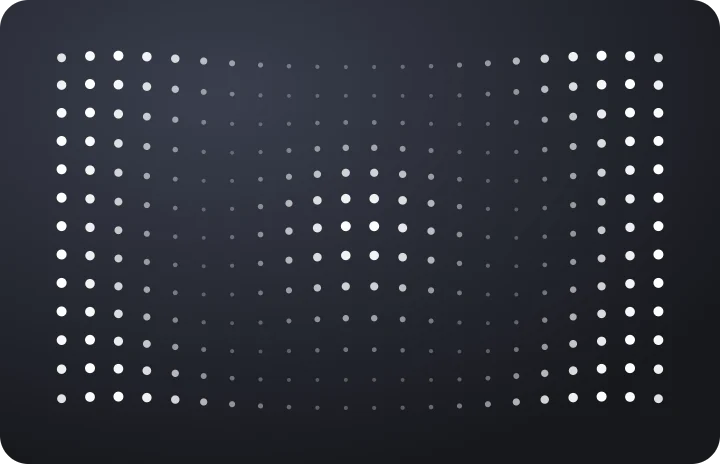 Dot wave fieldStudio
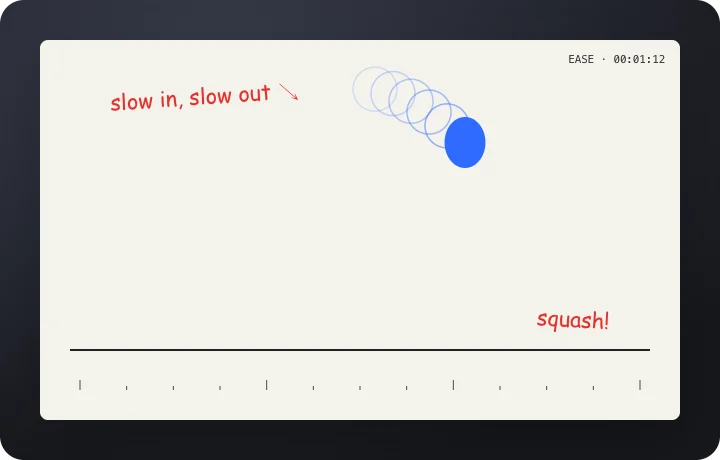 Easing studyStudio
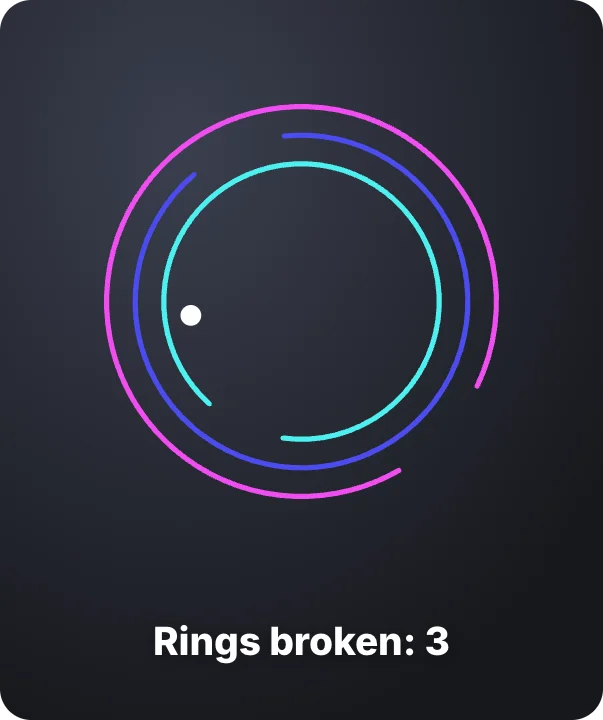 Ring escapeStudio
 Shape morphStudio
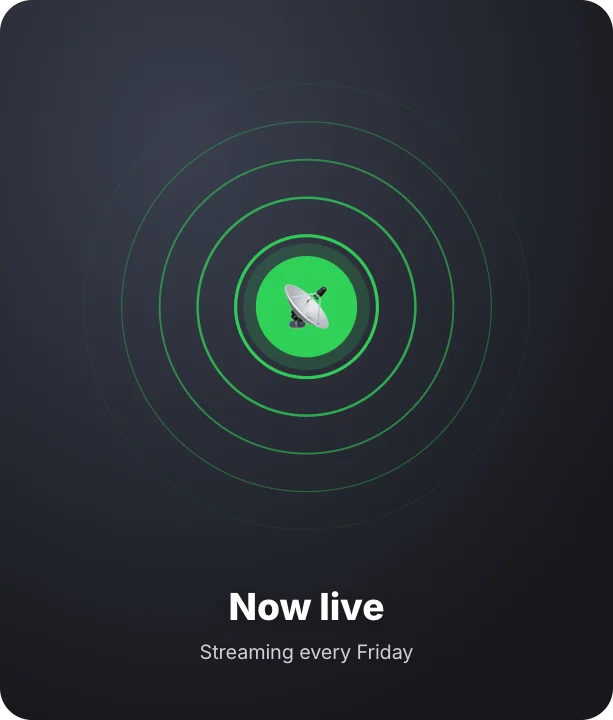 Pulse ringsStudio
 Line-drawn emblemStudio
 Orbit systemStudio
 Gradient blobsStudio
 Tile waveStudio
 Confetti burstStudio
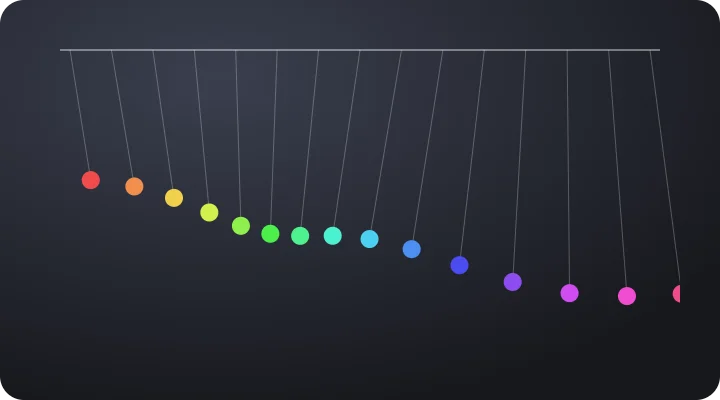 Pendulum waveStudio
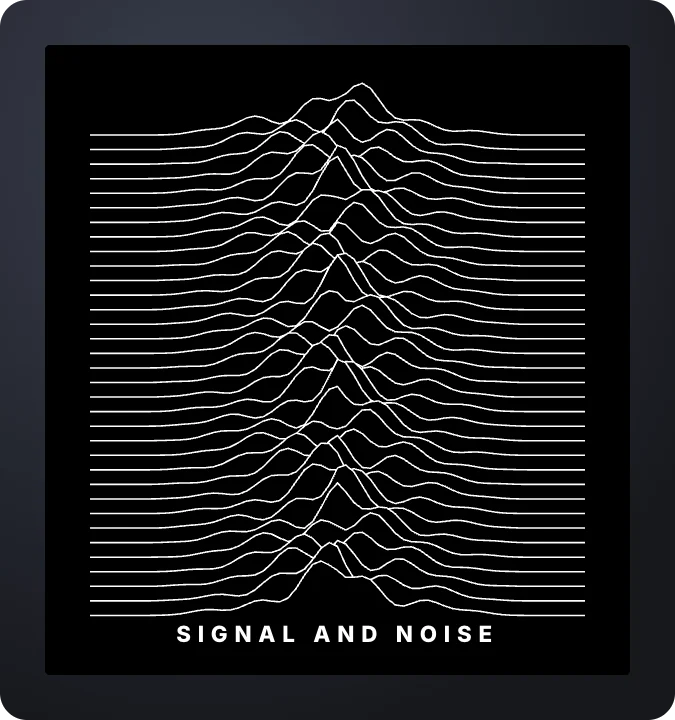 Ridge linesStudio
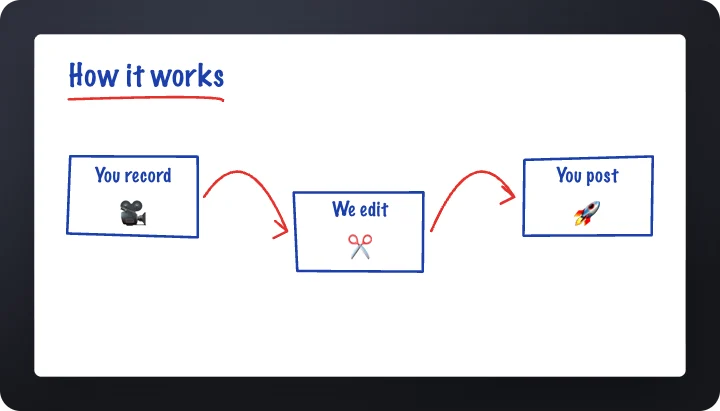 Whiteboard sketchStudio
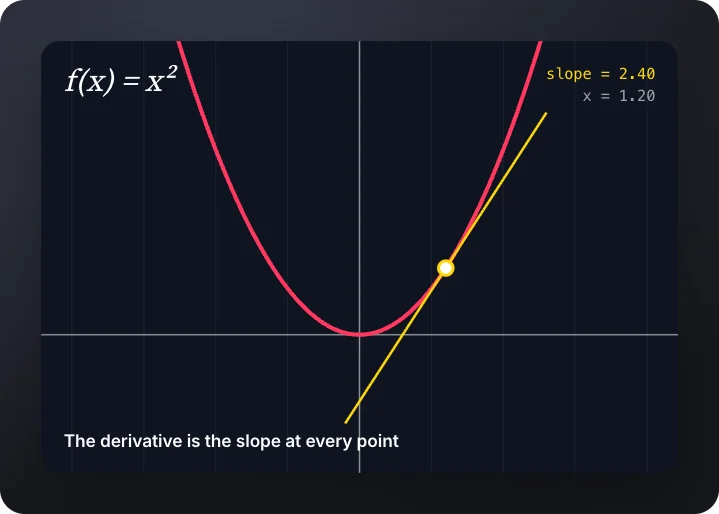 Function plotStudio
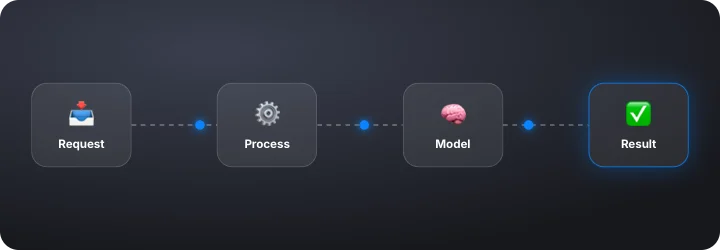 Flow diagramStudio
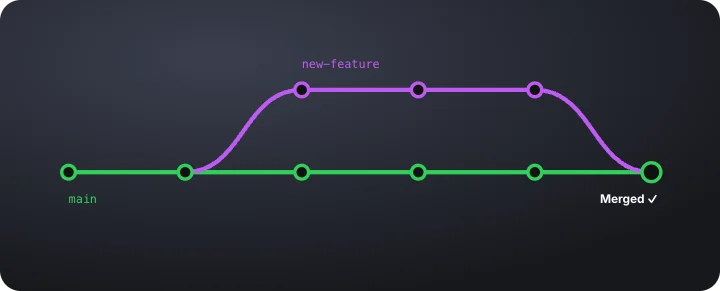 Branch and mergeStudio
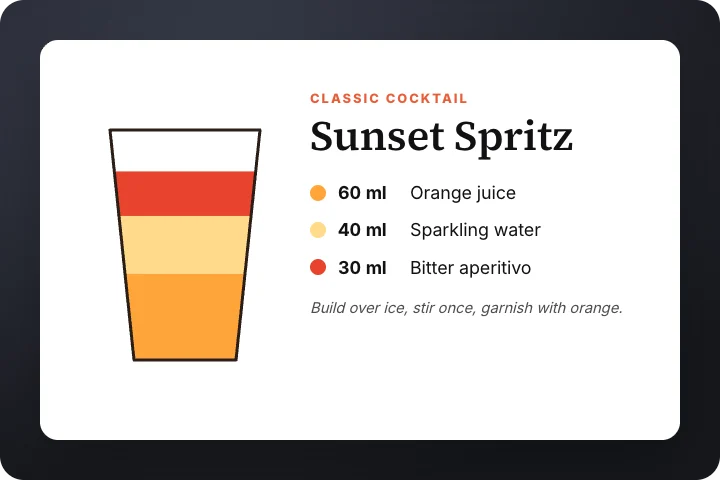 Recipe cardStudio
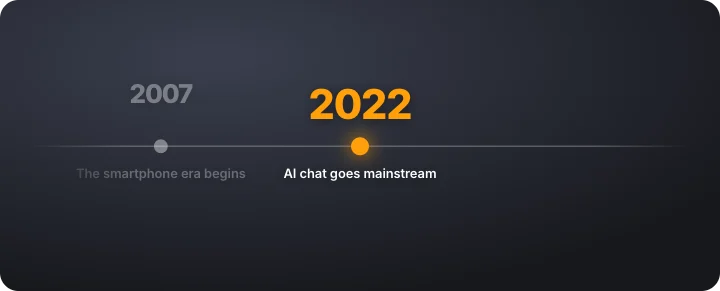 History timelineStudio
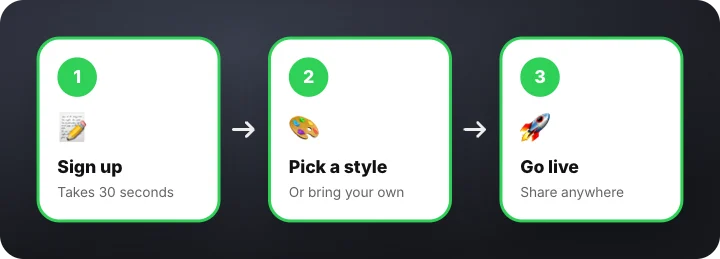 Step-by-step cardsStudio
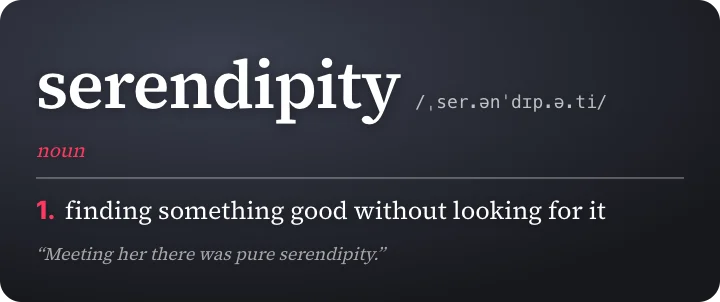 Dictionary definitionStudio
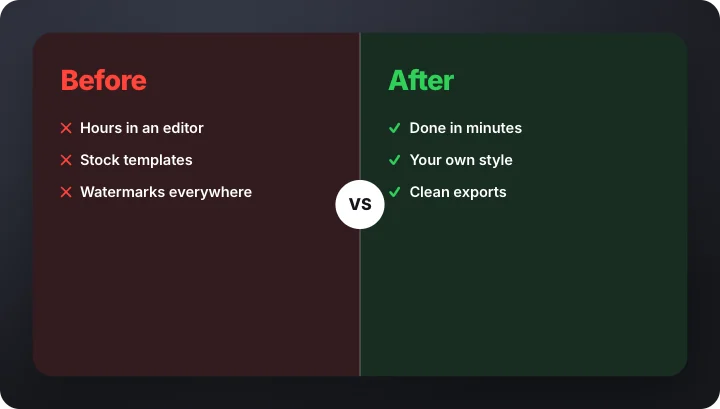 Versus splitStudio
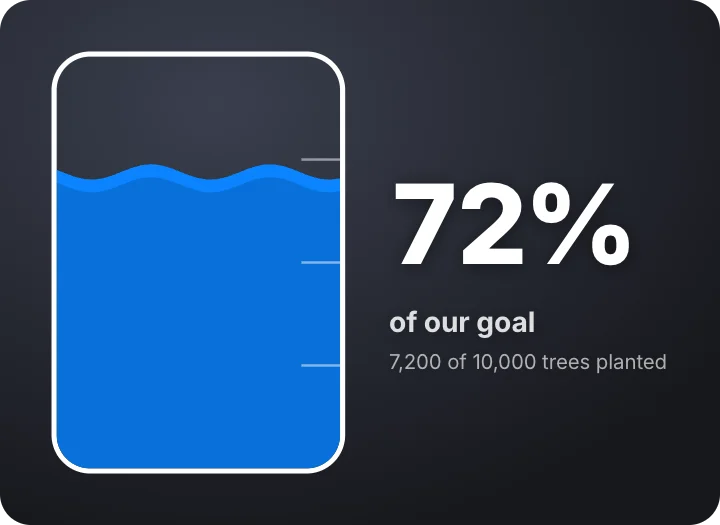 Tank meterStudio
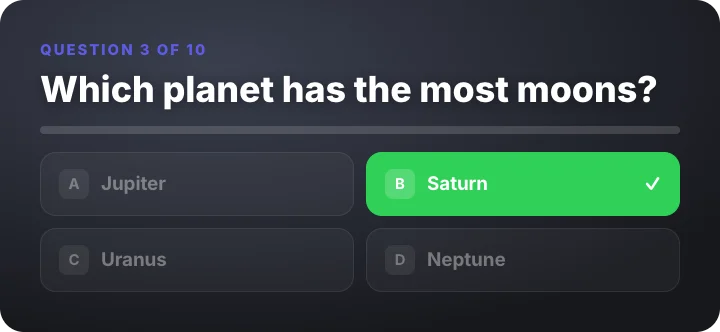 Quiz revealStudio
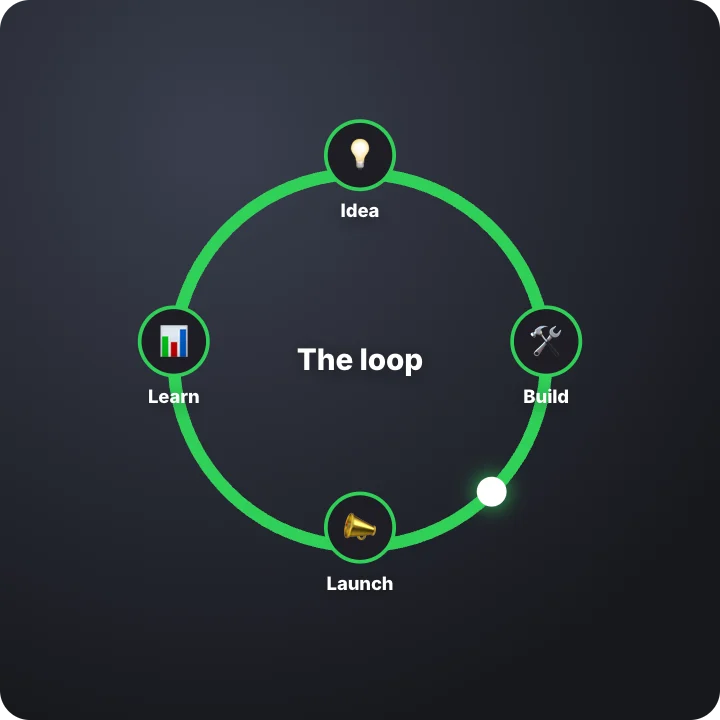 Cycle diagramStudio
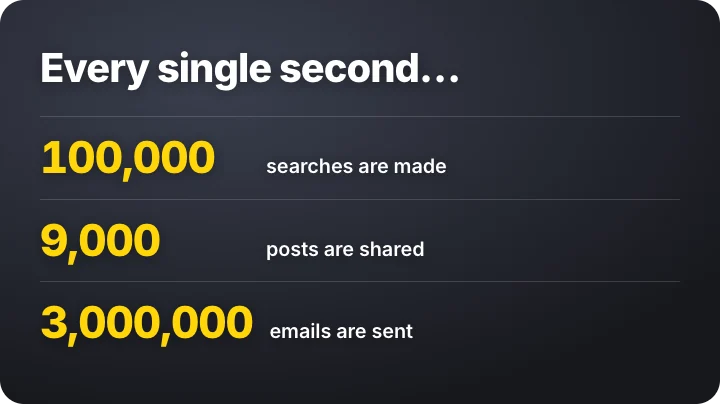 Fact countersStudio
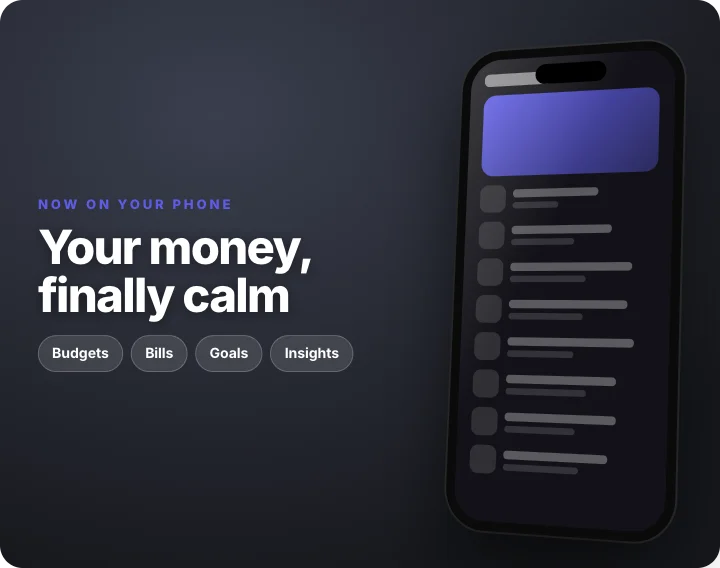 Phone app launchStudio
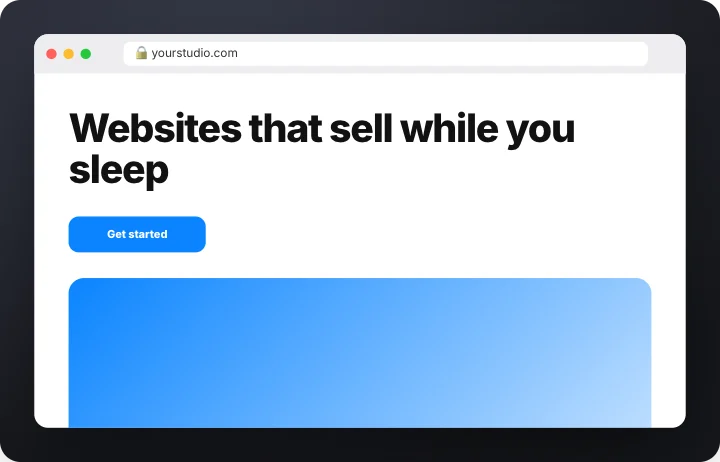 Website scrollStudio
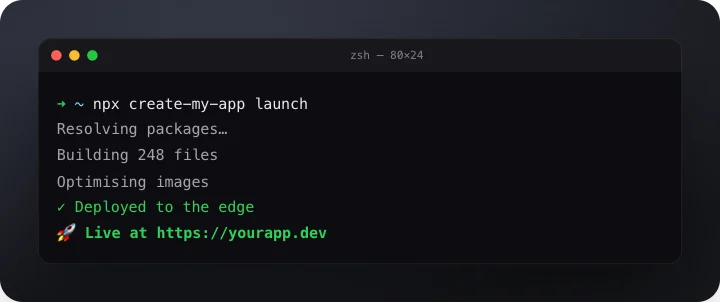 Terminal commandStudio
 Milestone counterStudio
 Logo mask revealStudio
 Glitch titleStudio
 Outline to fillStudio
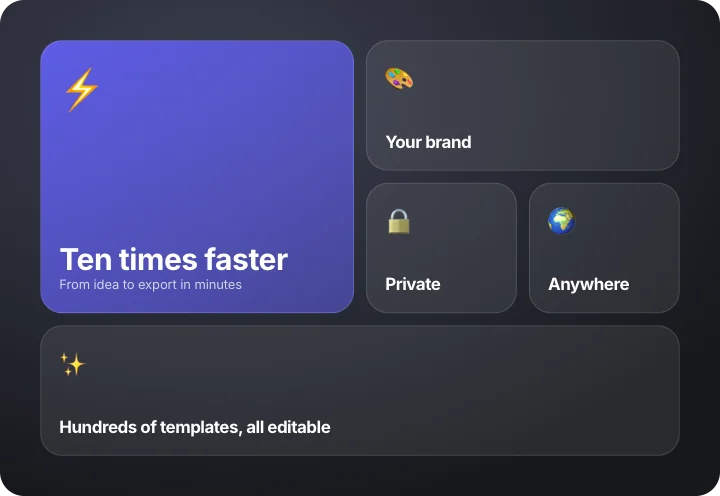 Bento feature gridStudio
 API key cardStudio
 Shine titleStudio
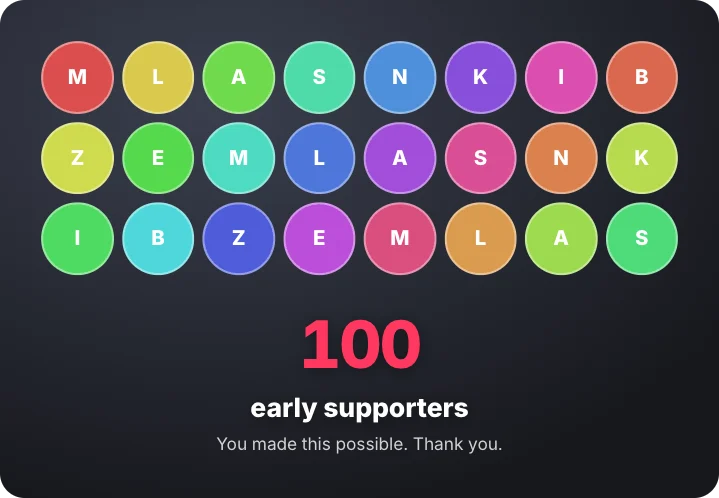 Supporters thank-youStudio
 End cardStudio
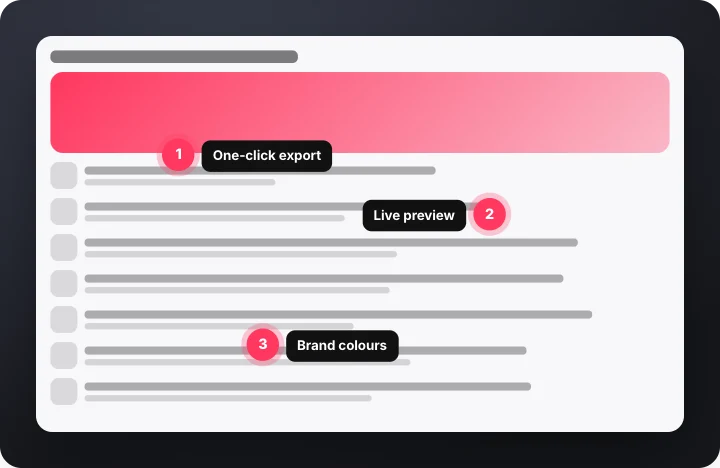 Screenshot calloutsStudio
 Designer introStudio
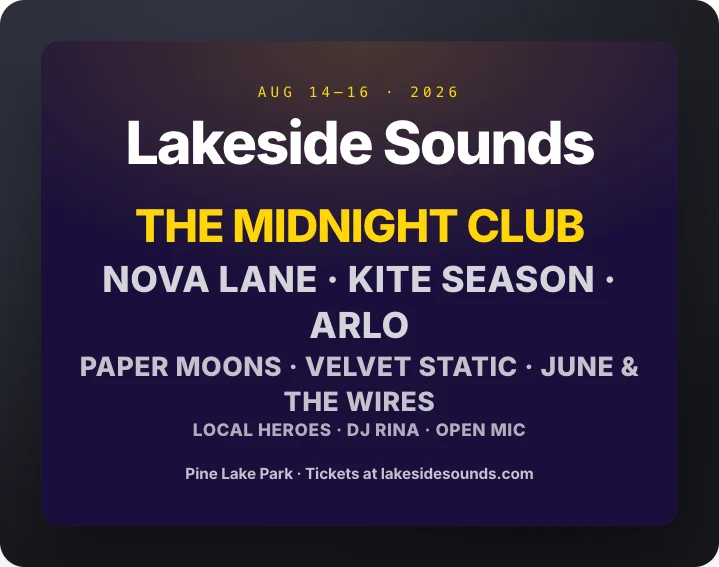 Festival lineupStudio
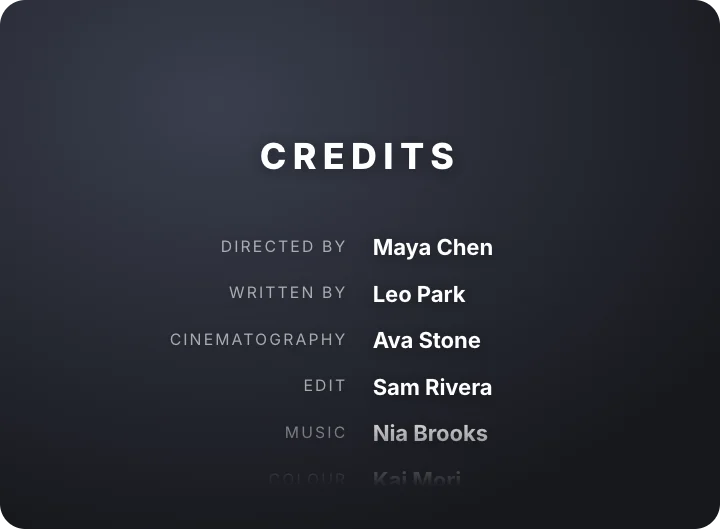 Credits rollStudio
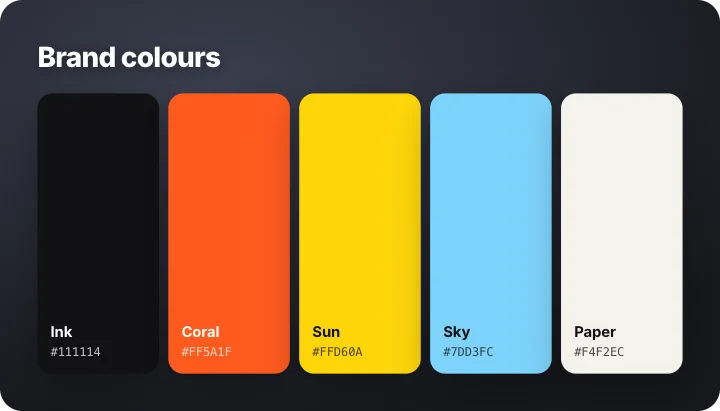 Color paletteStudio
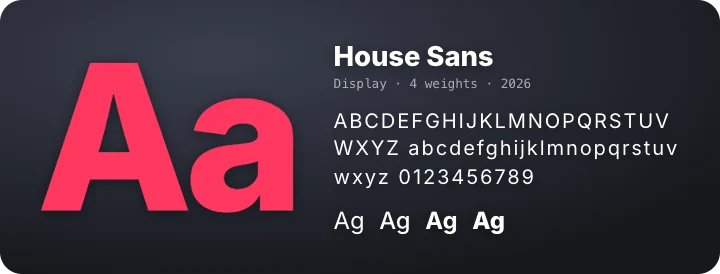 Type specimenStudio
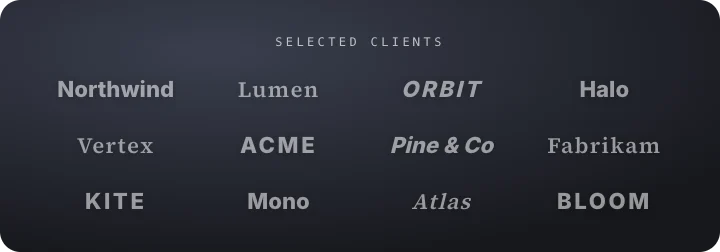 Client wallStudio
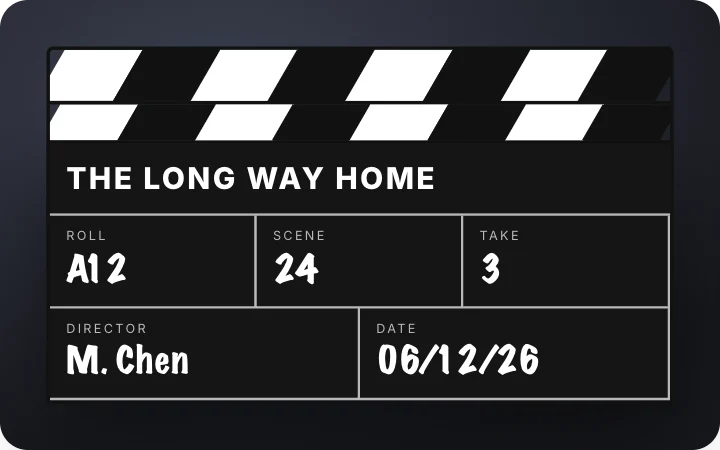 Film slateStudio
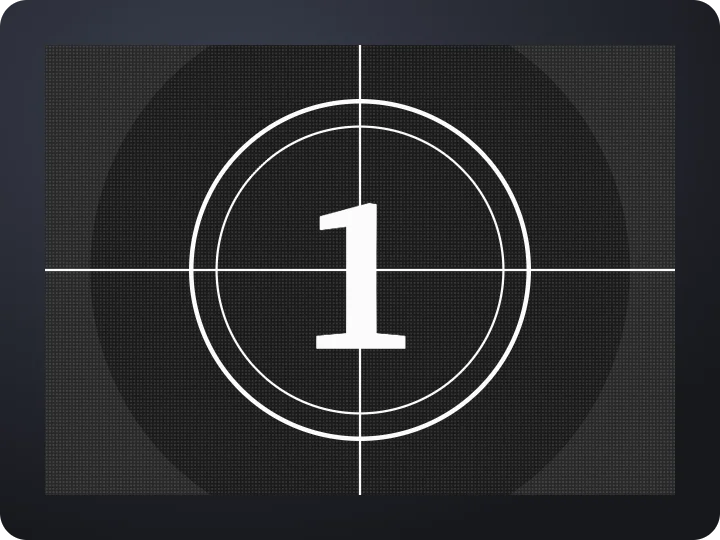 Film countdown leaderStudio
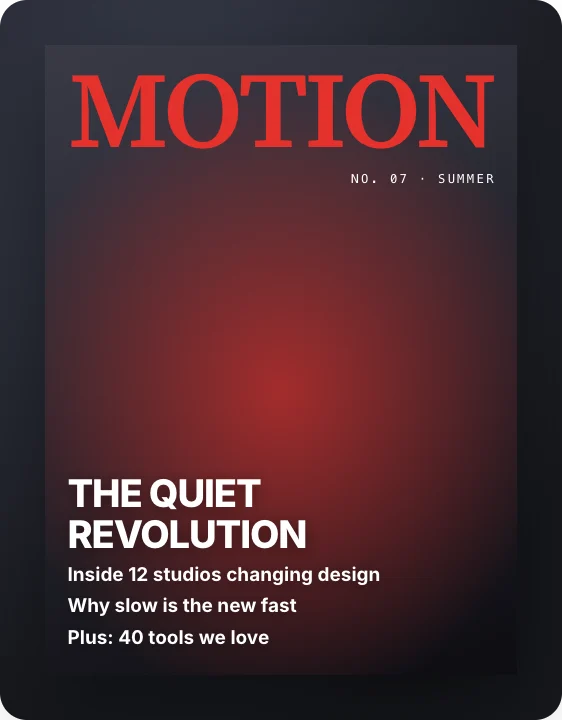 Magazine coverStudio
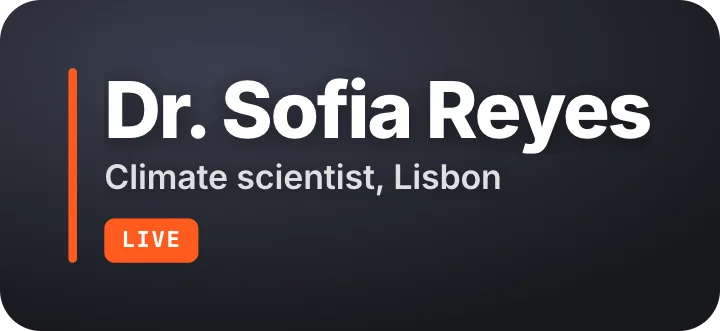 Lower third – studioStudio
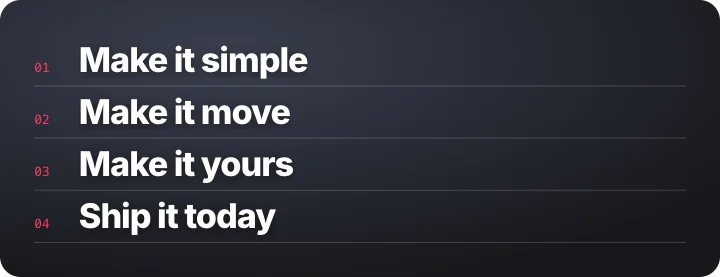 ManifestoStudio
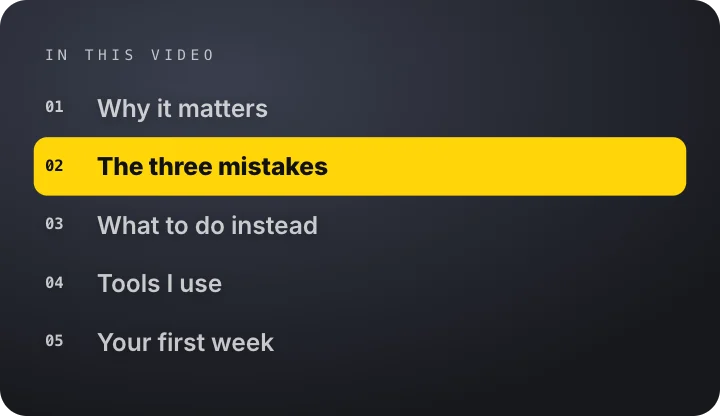 Chapter indexStudio
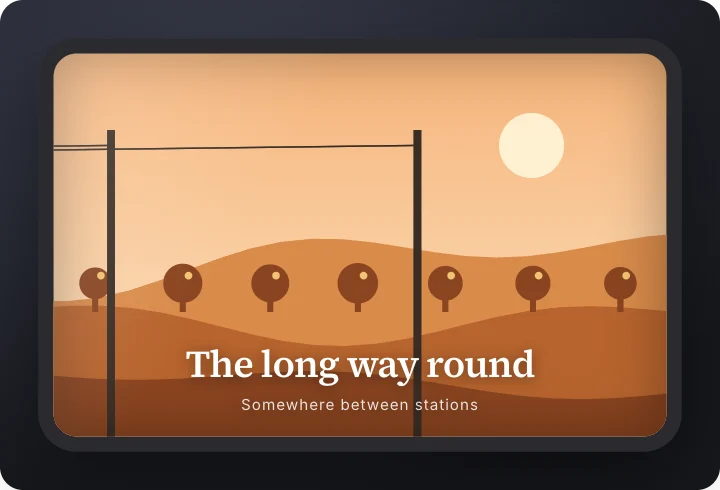 Train windowStudio
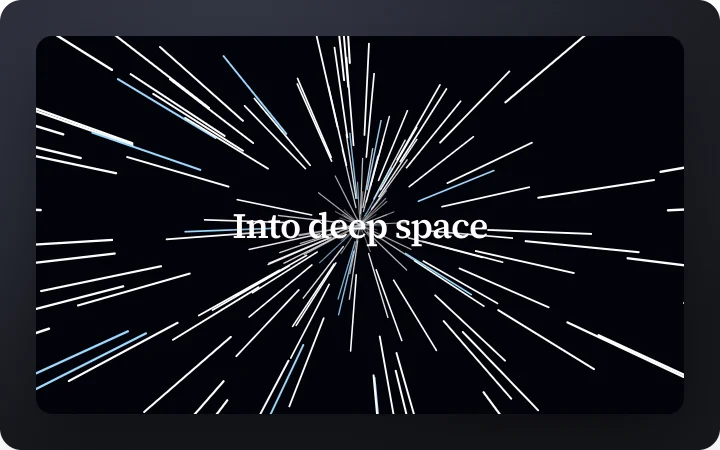 Warp starfieldStudio
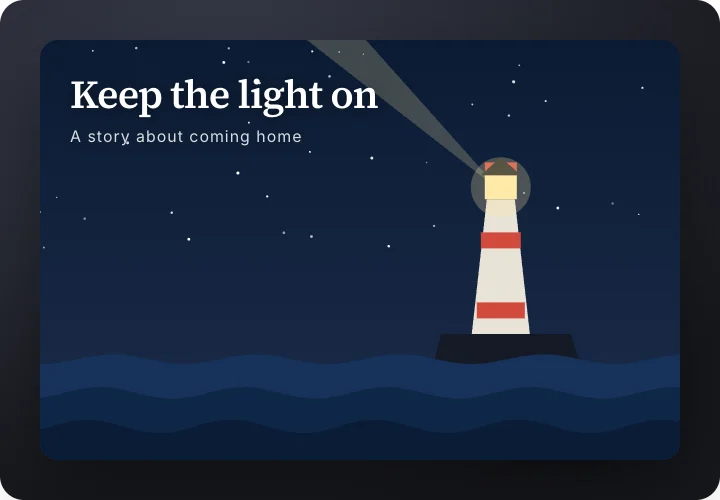 Lighthouse at nightStudio
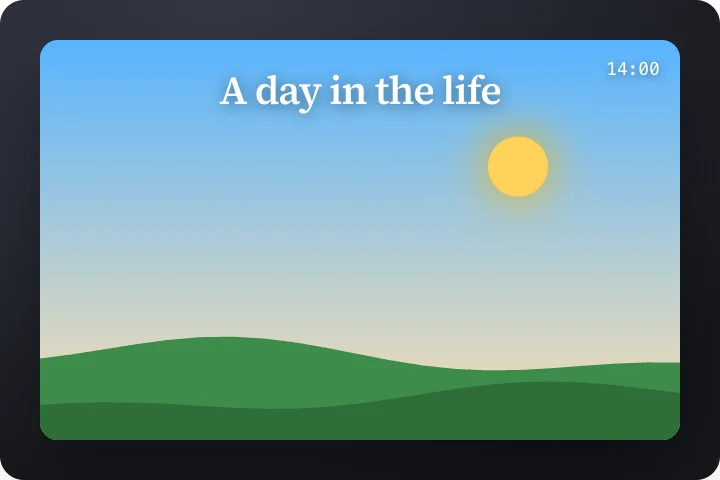 Day to nightStudio
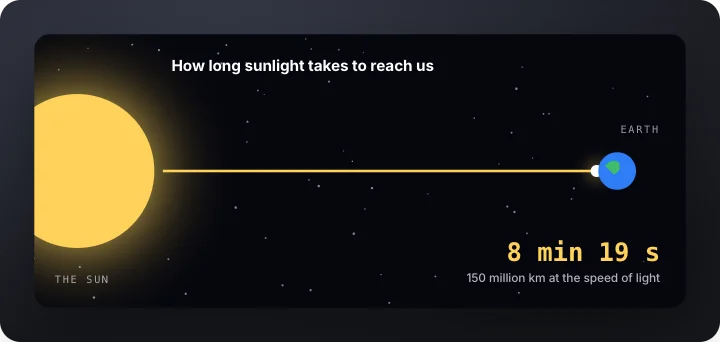 Journey of lightStudio
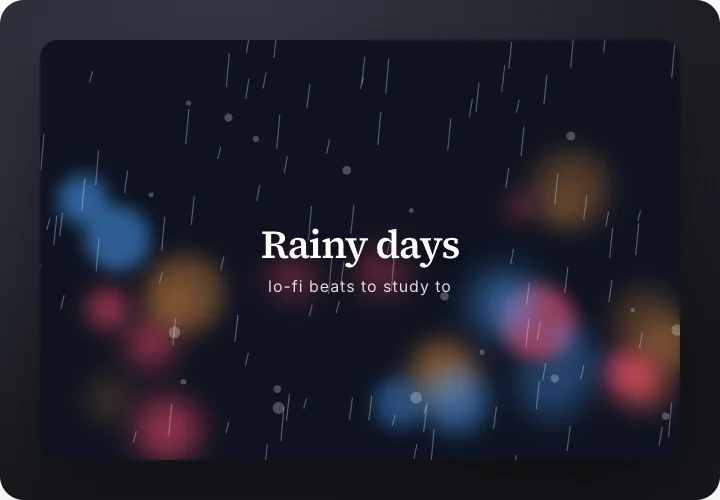 Rainy windowStudio
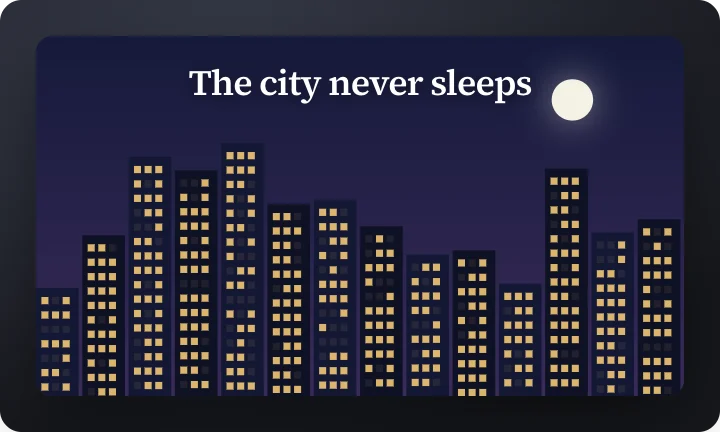 City at nightStudio
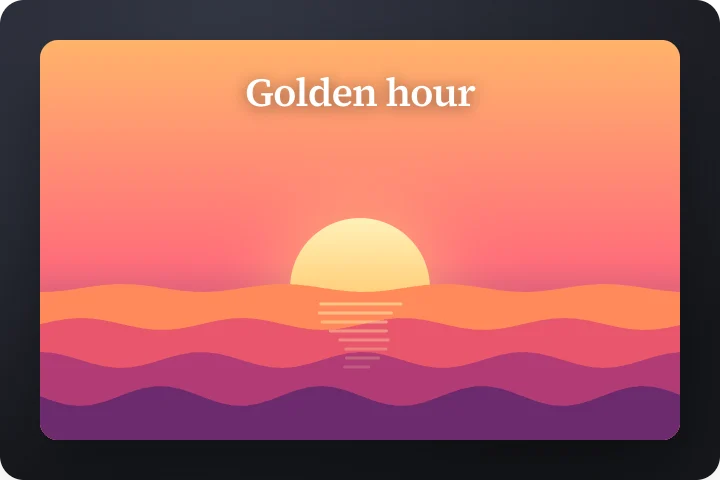 Sunset seaStudio
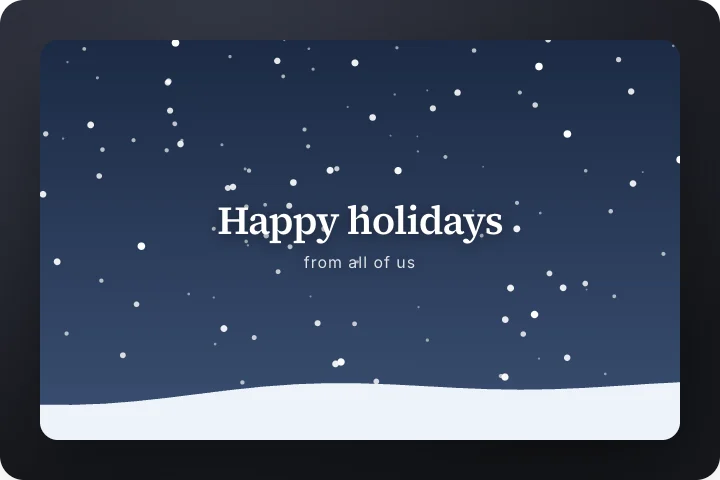 SnowfallStudio
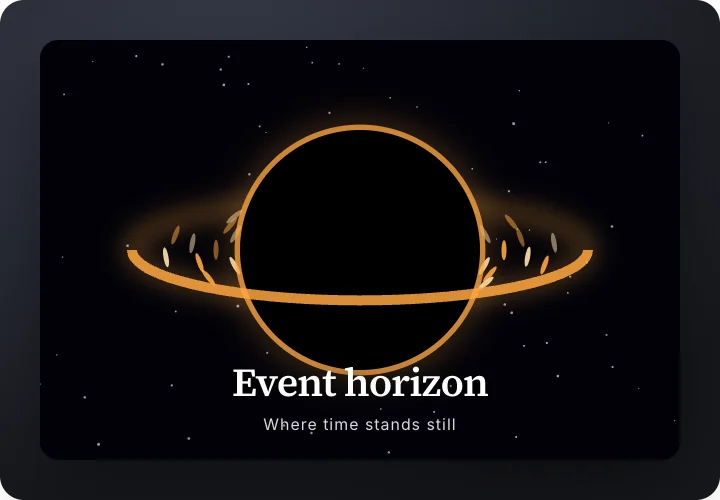 Black holeStudio
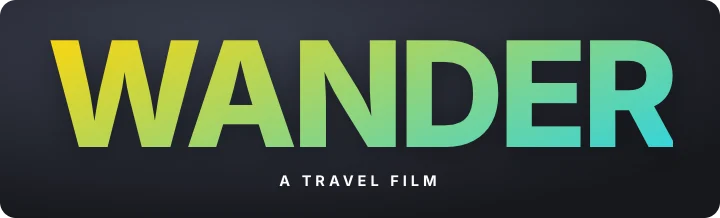 Image inside text titleStudio
 Gravity drop titleStudio
 Burst-in letters titleStudio
 Spotlight titleStudio
 Slot machine word rollStudio

 Big number titleStudio
 Light pen script titleStudio
How to use a motion graphics template
- Pick a template. Kinetic type, interface motion, explainers, launch films or scenes.
- Type your words and pick colors. Every word, number and color can change. The timing adjusts to your text.
- Export the video. MP4 or a transparent MOV, in 9:16, 1:1 or 16:9.
Questions
Are the Studio templates free?
Most are part of Pro. The interface, shape and explainer sets are free.
Can I change the words and colors?
Yes. Every word, label, accent color and timing can be edited, and the animation follows your text.