
Free and Pro templates
Workout timer and fitness animations
Workout timer overlays and fitness animations for training videos. Rep counters, HIIT interval timers, personal-record badges, run stats with a route drawing itself, weight progress charts, macros, challenge streaks and exercise lower thirds.
Activity rings close, step counts climb and every number animates up to the figure you type. Set the background to None to lay them over your gym or run footage.
All fitness templates
 Progress ringsFitness
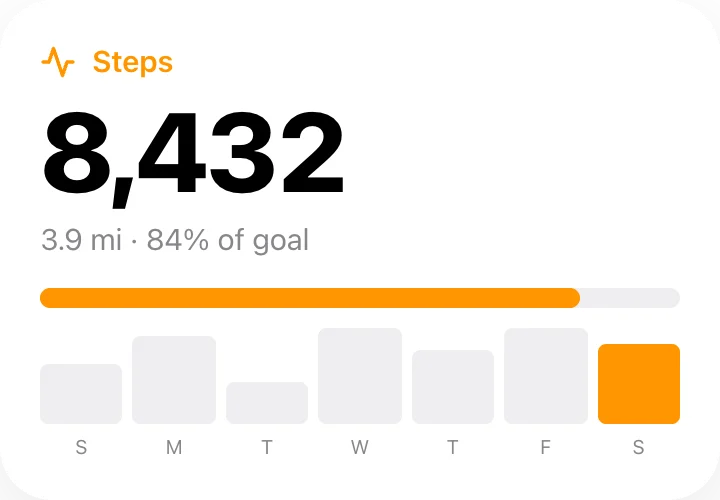 Step counterFitness
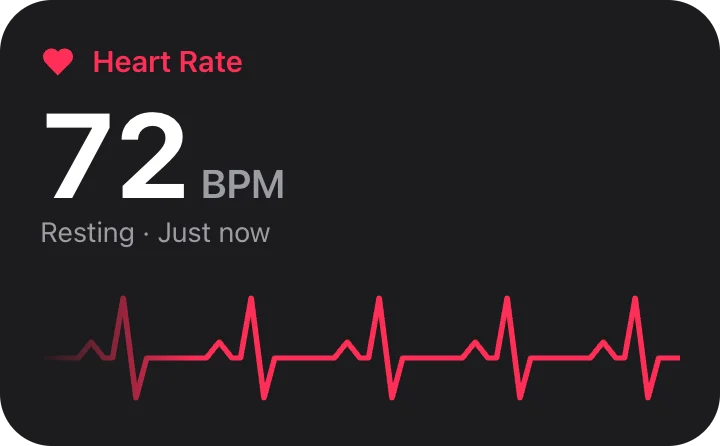 Heart rateFitness
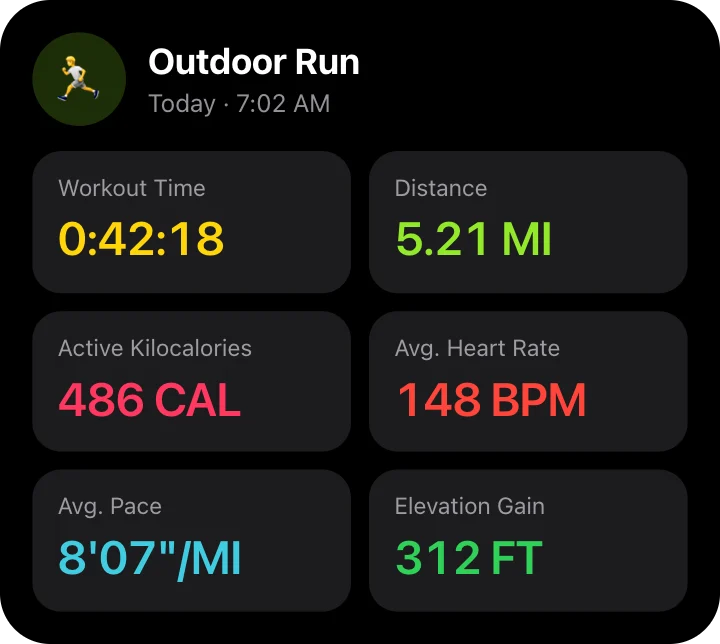 Workout summaryFitness
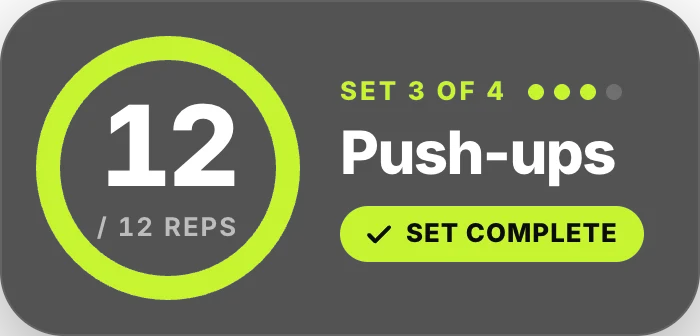 Rep counterFitness · transparent
 HIIT interval timerFitness · transparent
 New PR badgeFitness · transparent
 Run stats with routeFitness · transparent
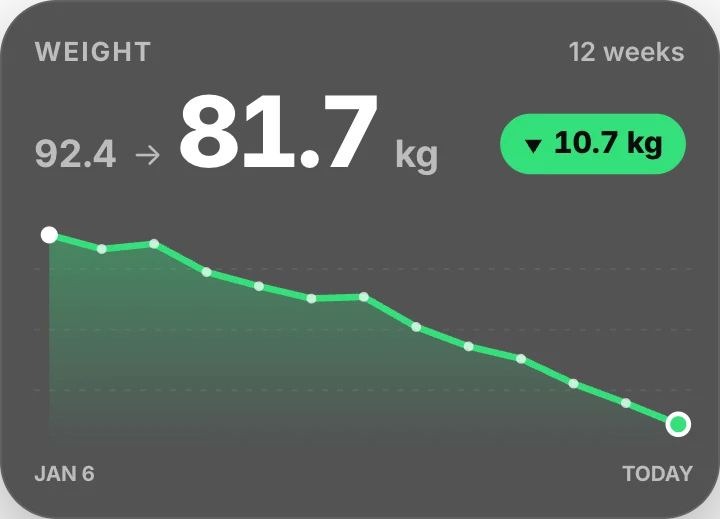 Weight progress chartFitness · transparent
 Macros & caloriesFitness · transparent
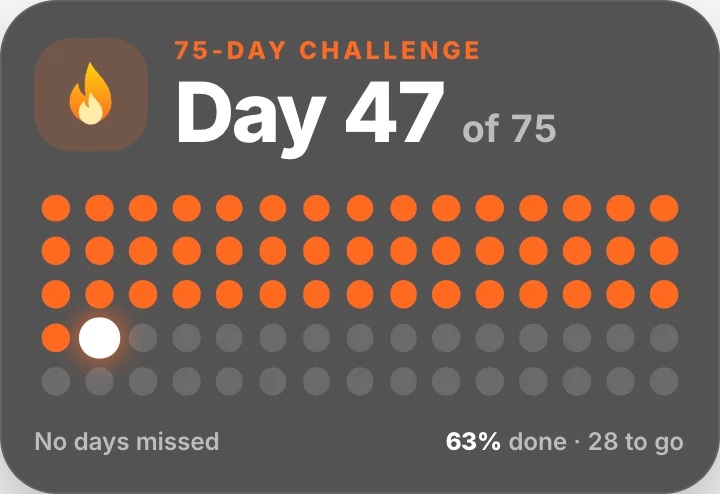 Challenge day streakFitness · transparent
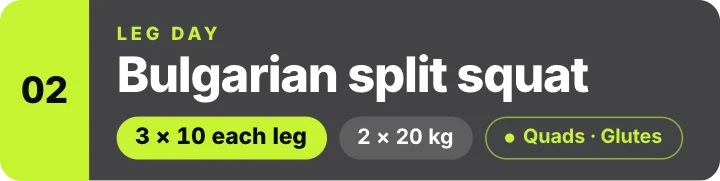 Exercise name lower-thirdFitness · transparent
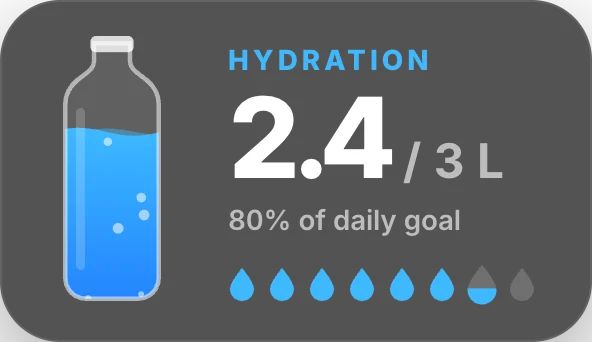 Water intake trackerFitness · transparent
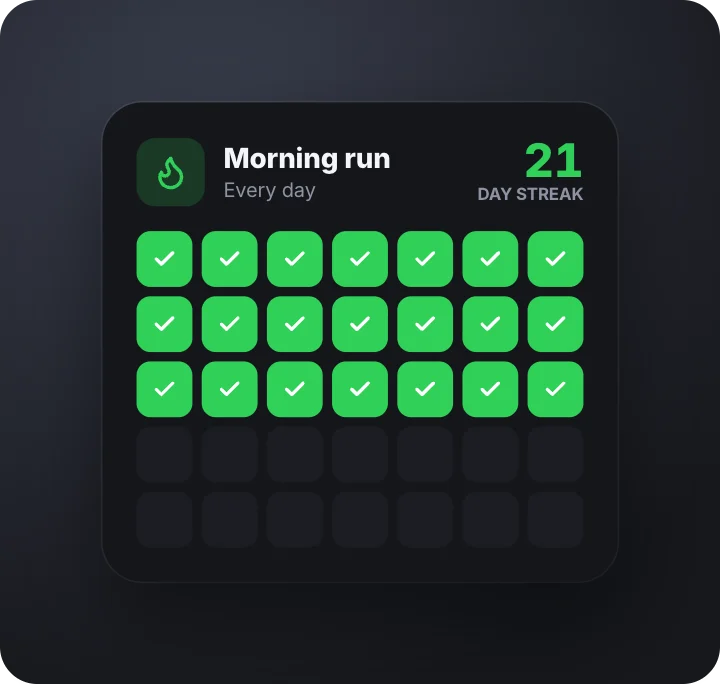 Habit streak gridFitness · transparent
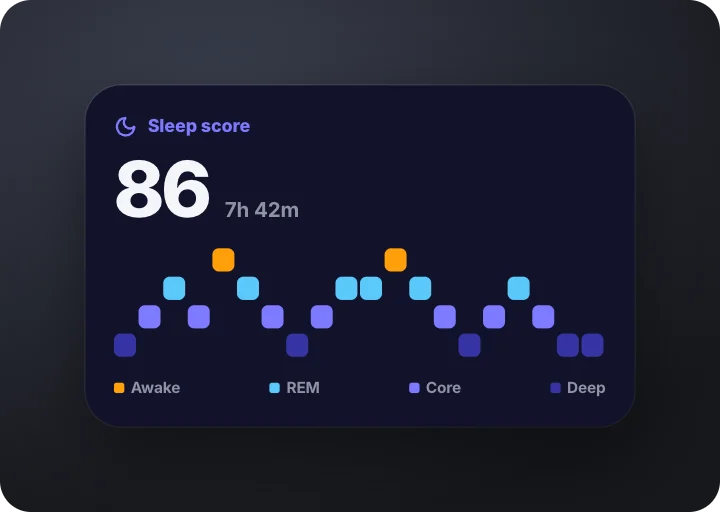 Sleep scoreFitness · transparent
 Breathing guideFitness · transparent
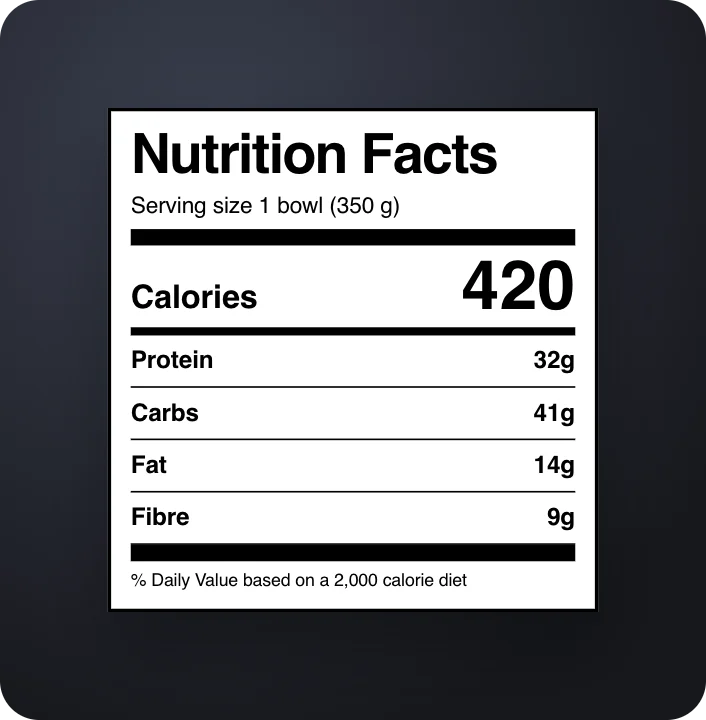 Nutrition facts labelFitness · transparent
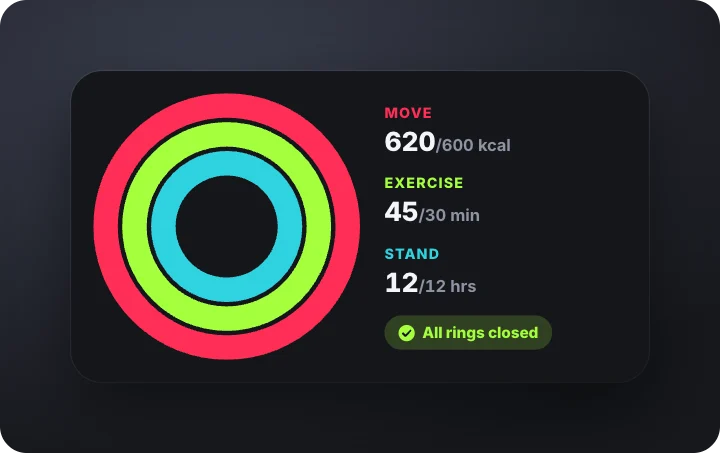 Activity rings closingFitness · transparent
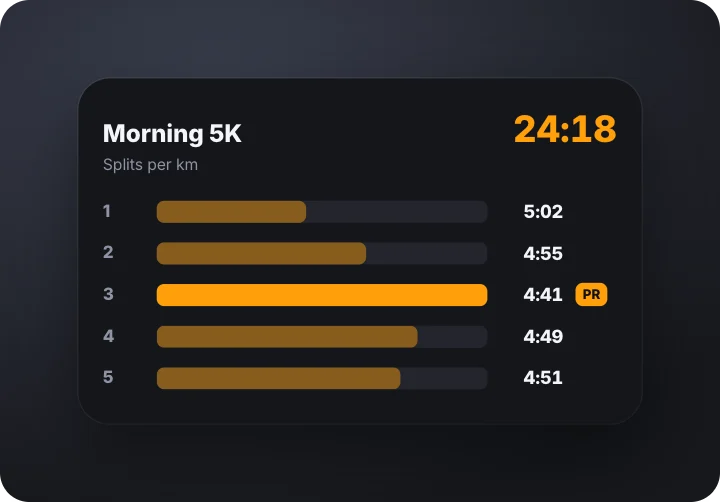 Run splitsFitness · transparent
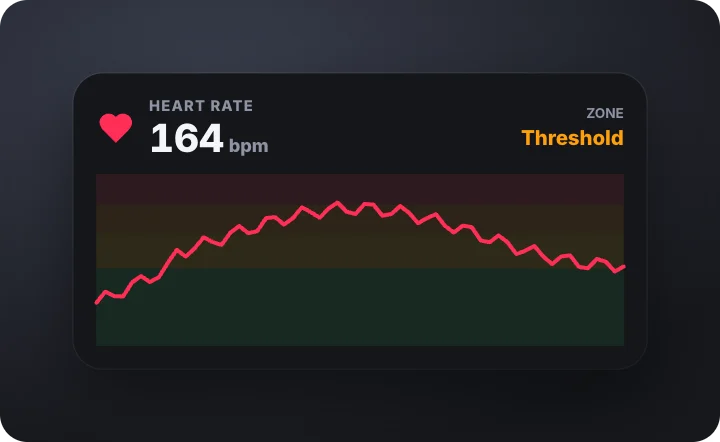 Heart rate zonesFitness · transparent
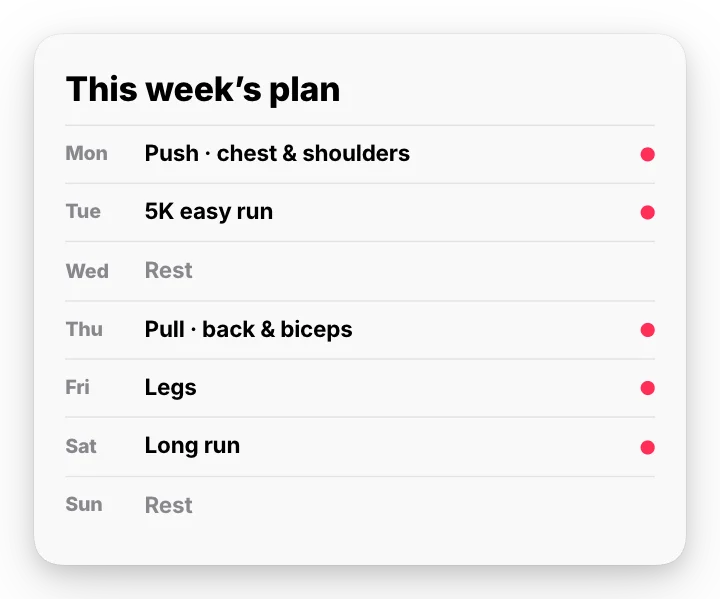 Weekly workout planFitness
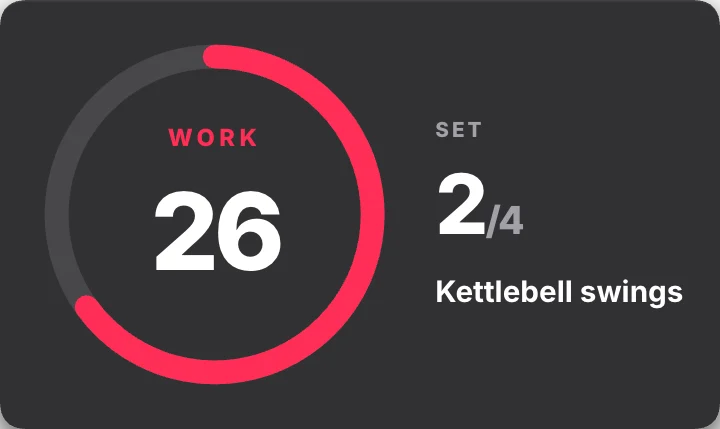 Set and rest timerFitness
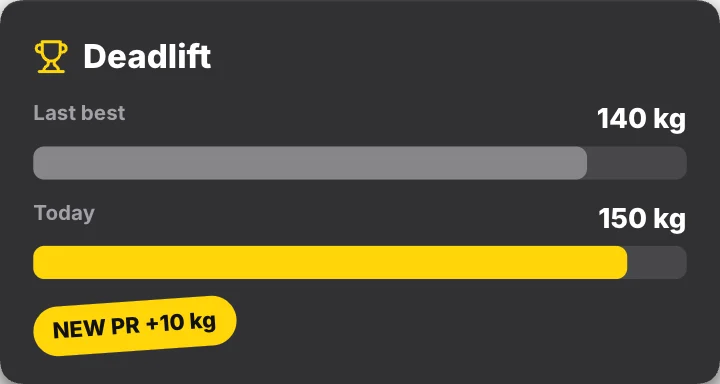 PR comparisonFitness
 Calories burned flameFitness · transparent
 Step goal reachedFitness · transparent
 Day 1 vs Day 90Fitness · transparent
How to make a workout overlay
- Pick a timer or stat. Interval timers, rep counters, personal-record badges, run stats, macros and day streaks.
- Set your numbers. Rounds, reps, distance, weight and times. They count up or down in the video.
- Export it over your footage. A transparent MOV sits on top of your workout clip.
Questions
Is this workout timer overlay free?
Yes. This section has free templates to use and export, with no card and no watermark. After 3 exports we ask for your email for a free account. Everything is made in your browser, on your own device.
Do the numbers count up in the video?
Yes. Steps, calories, heart rate and ring percentages animate from zero to the numbers you type, over the time you set.
Can I use them over my workout footage?
Yes. Set the background to None and export a transparent MOV, then place it over your clip.